
ConnectorX Animate Bundle
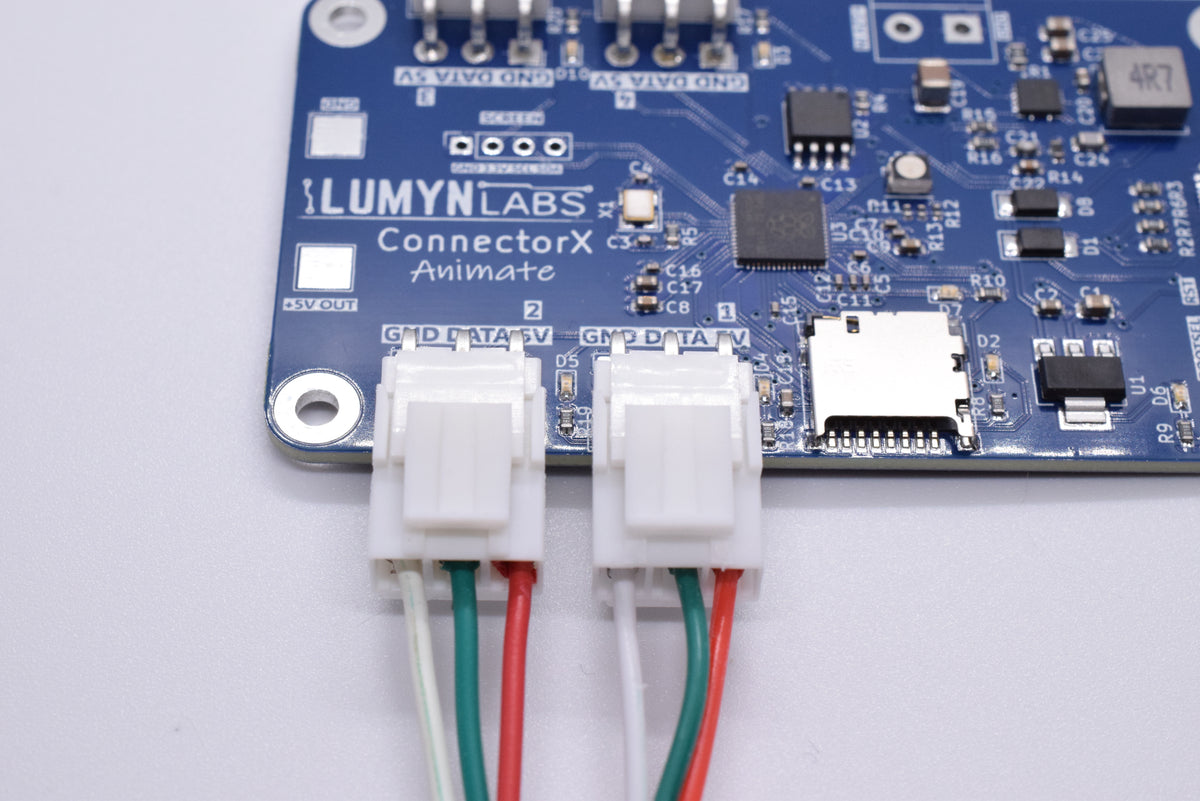
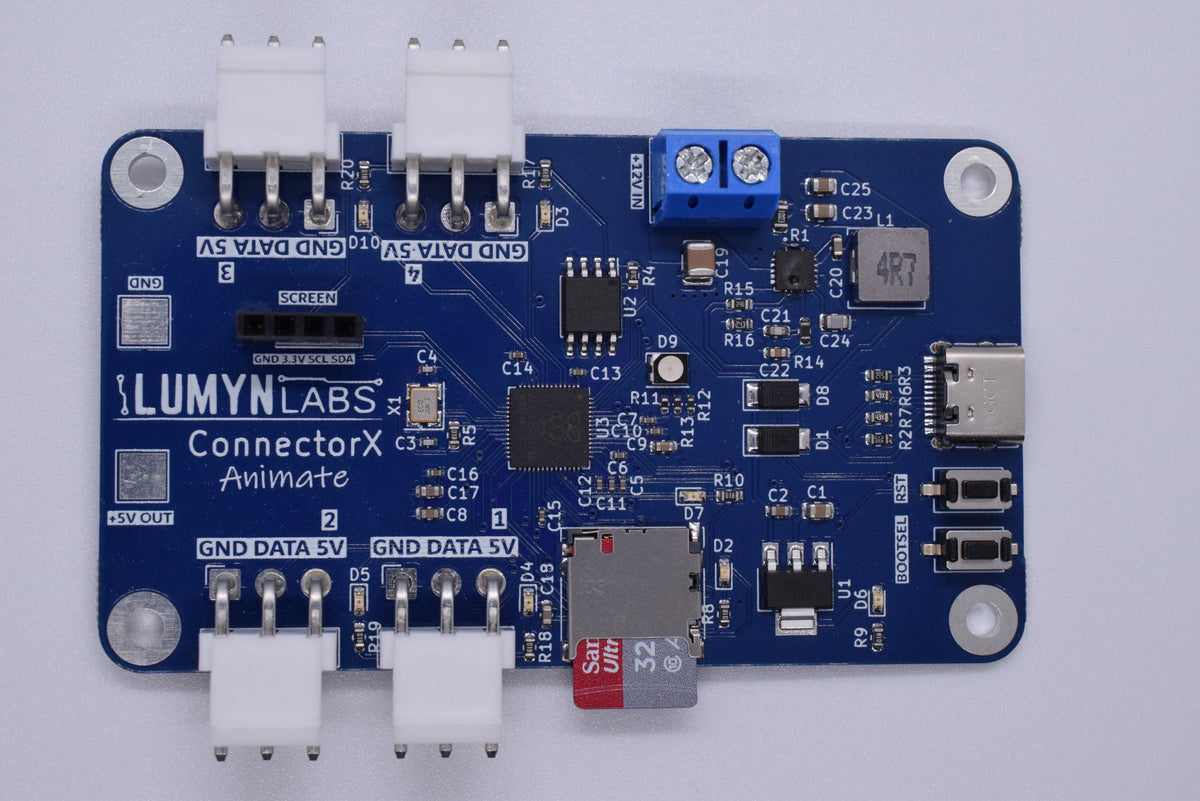
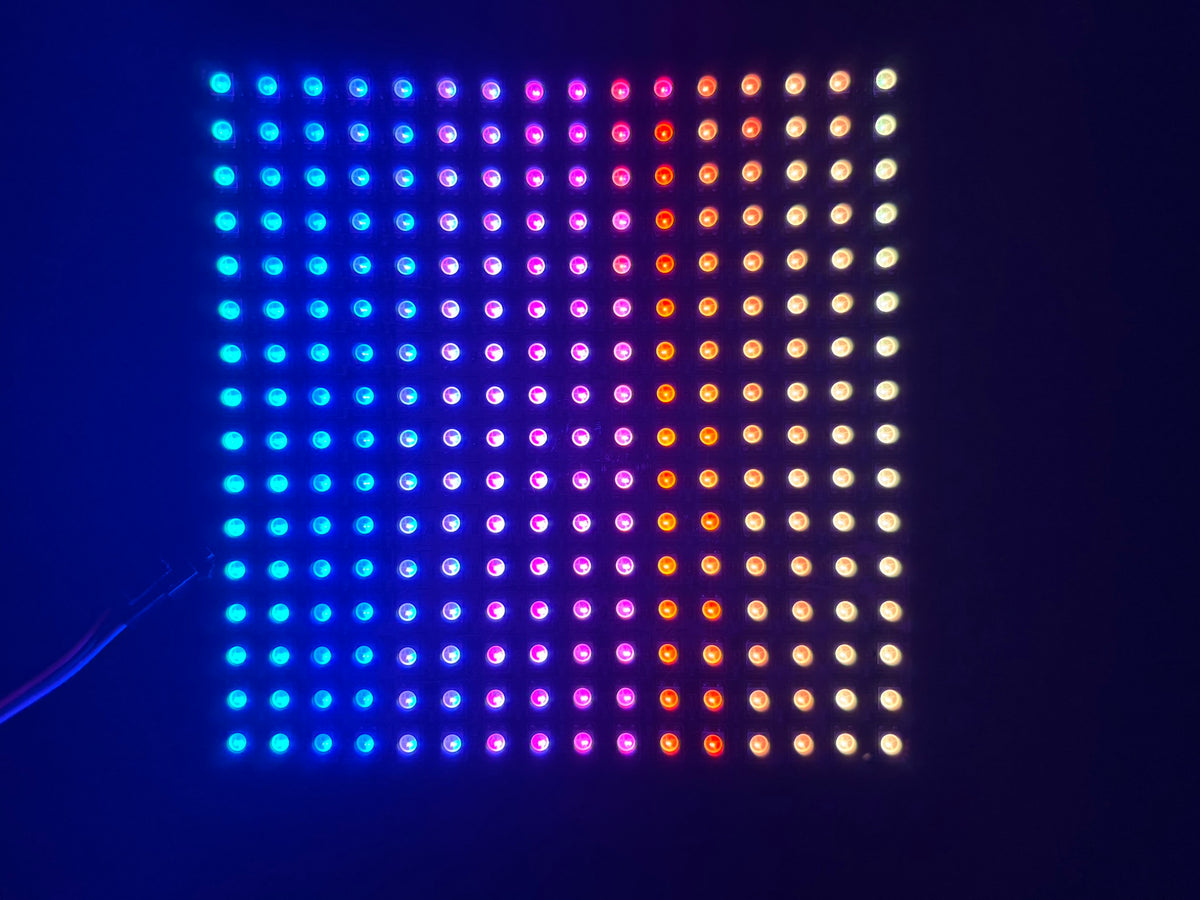
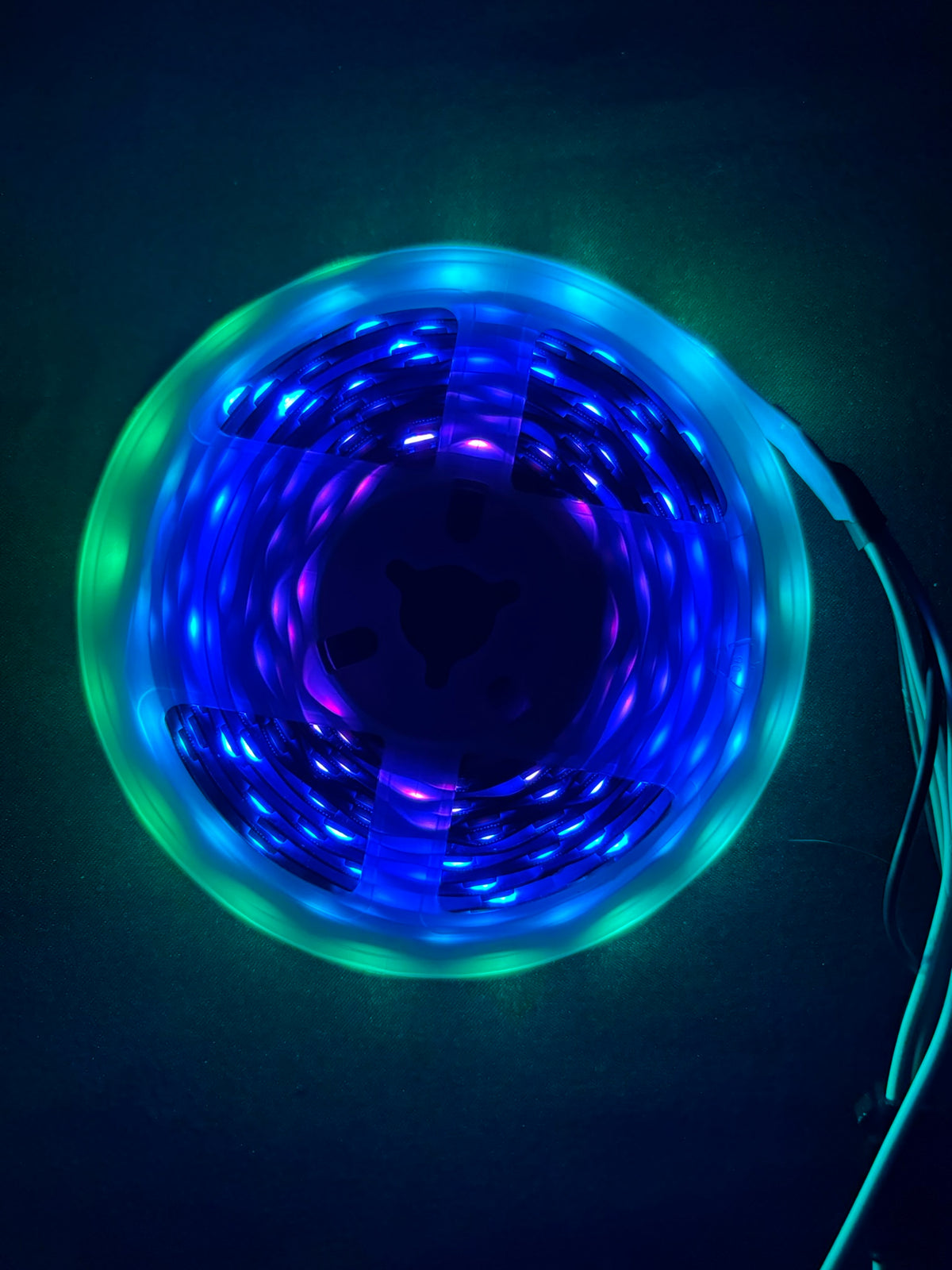
ConnectorX Animate, an LED strip, an LED matrix, an LED cable and a 32 GB microSD card.
SKU 10001
In the box
- ConnectorX Animate controller
- WS2812B LED strip, length as selected
- WS2812B LED matrix, dimensions as selected
- LED adapter cable, length as selected
- 32 GB microSD card
You also need: a USB data cable for setup and a 12 V supply for LED output.
Choose hardware sizes below. The price updates for your selected configuration.
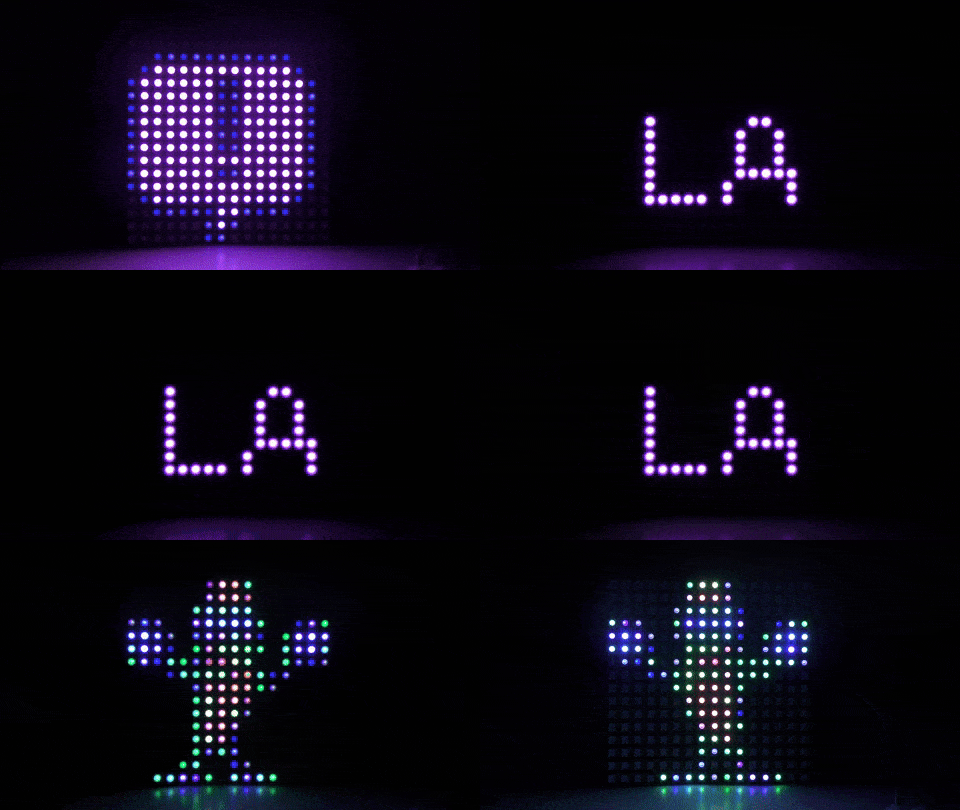
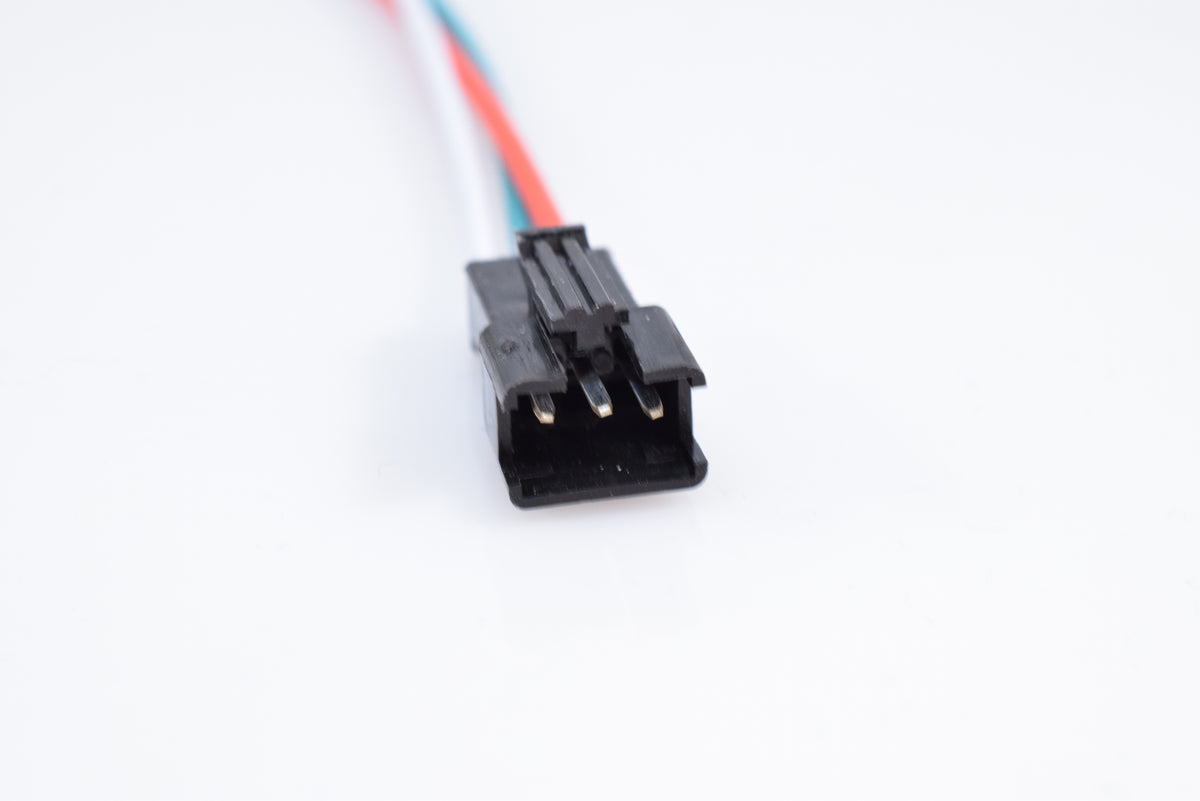
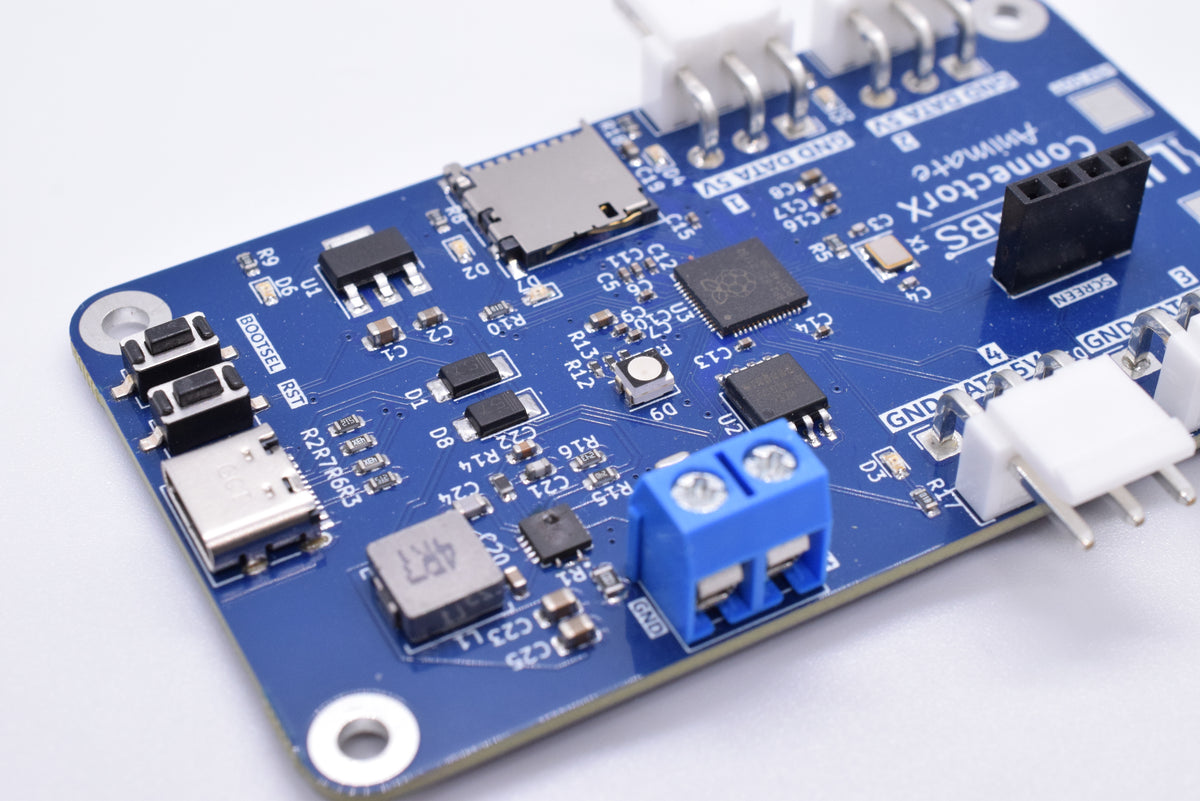
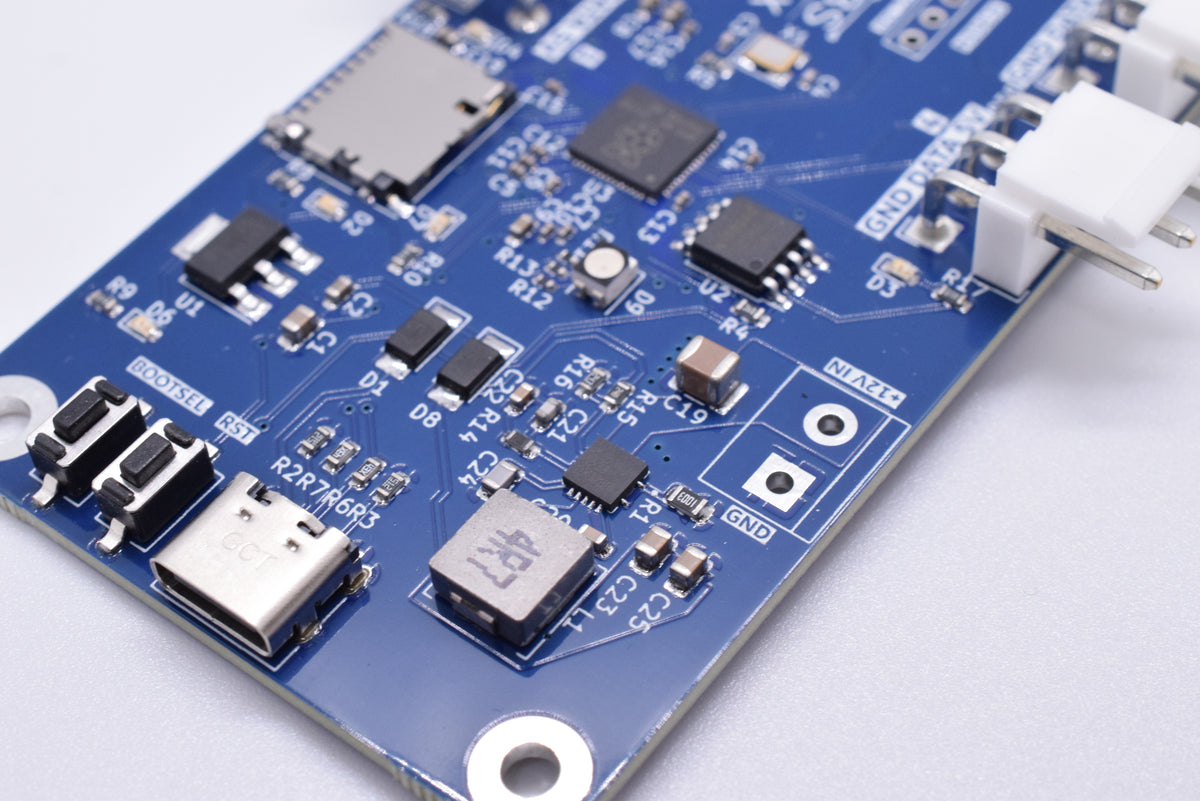
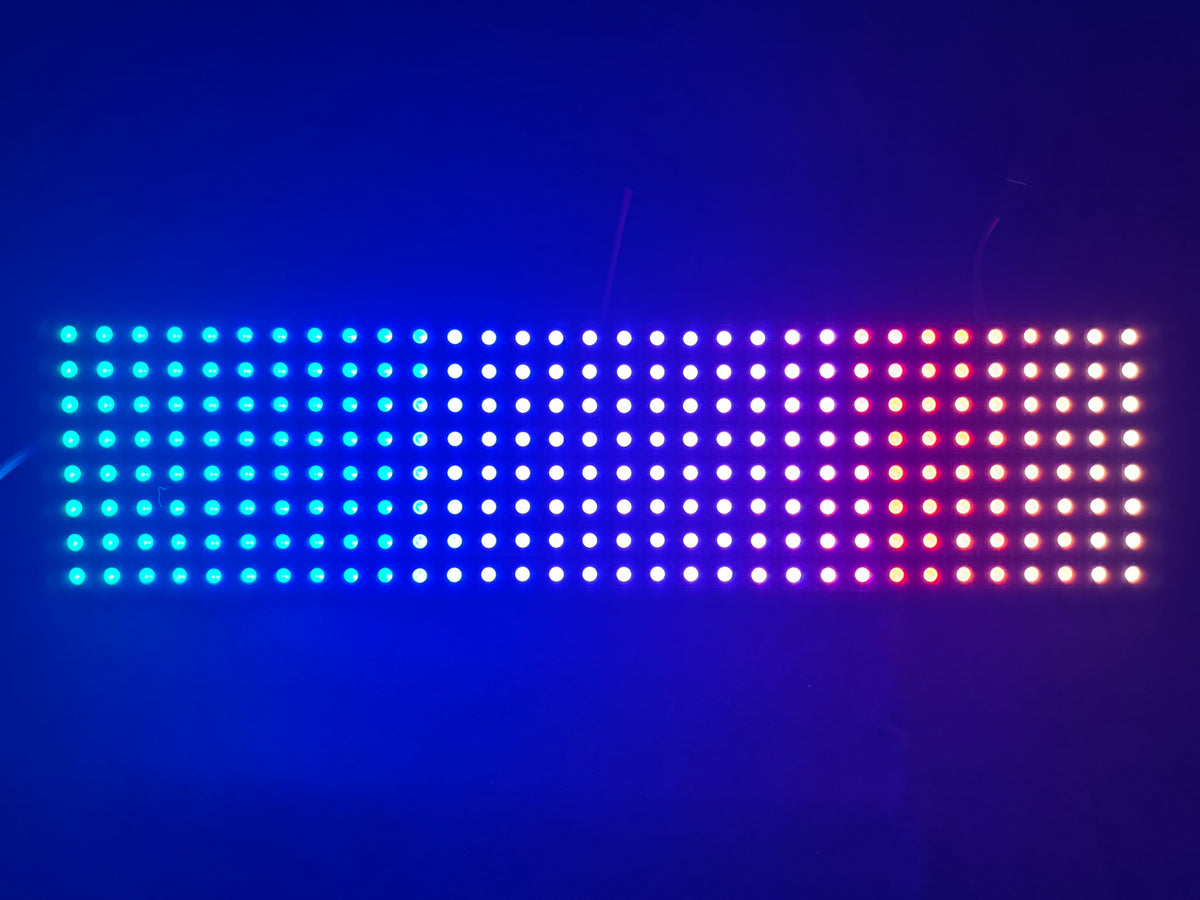
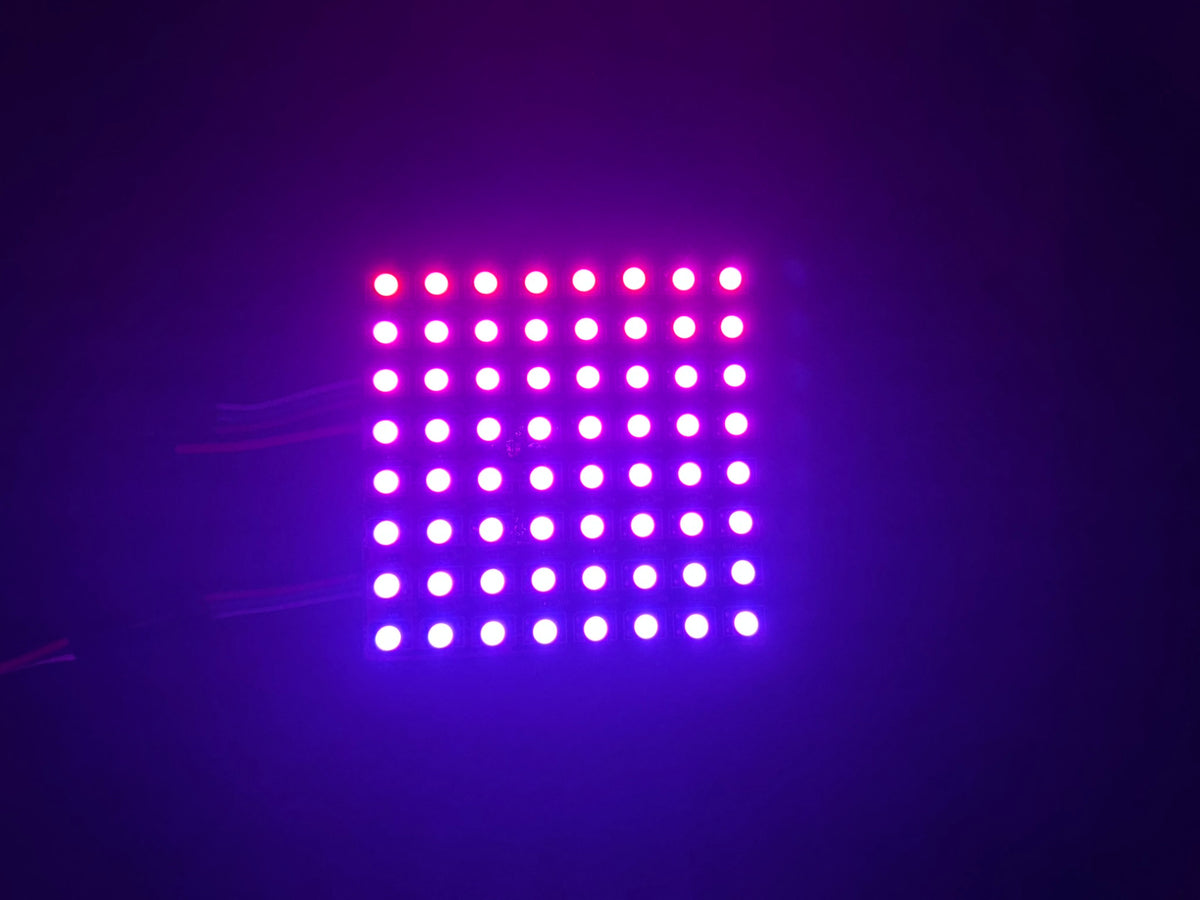
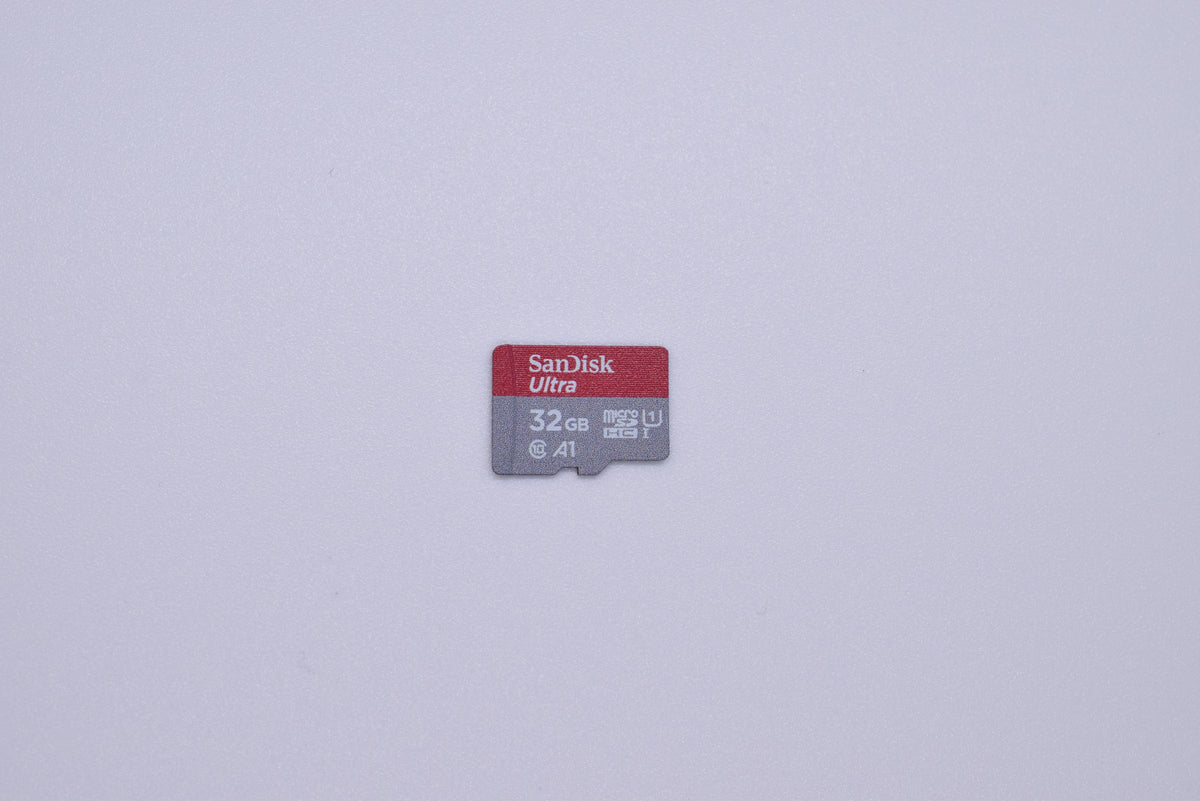
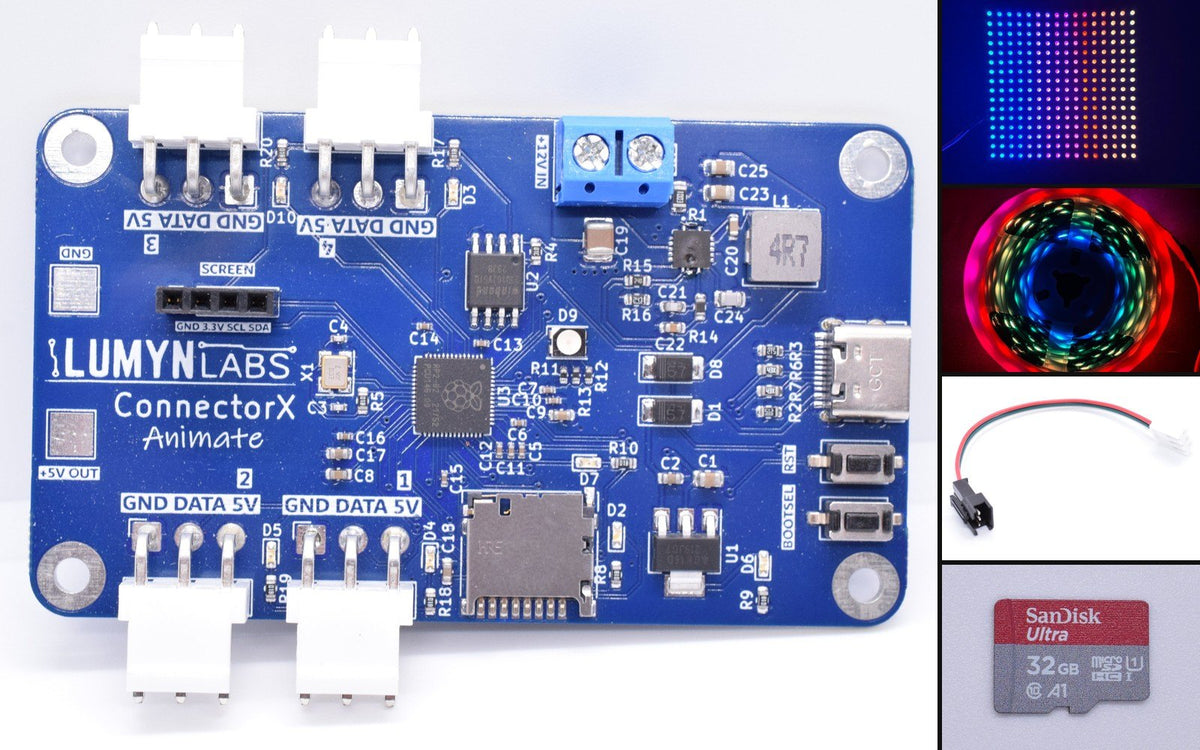
Controller, strip, and matrix together
One cart for first-time setup
ConnectorX Animate, an LED strip, a matrix, a 32 GB microSD card, and an LED adapter cable. Configure zones and animations in Lumyn Studio, then send your setup to the controller.
Four channels, 1,280 LEDs
Up to 1,280 WS2812B LEDs across four channels with a 6 A regulator. At full white, 6 A lights about 100; most animations draw far less, and the board dims itself to stay under its limit. Use separate channels for bumper strips, matrix signs, underglow, and accent lighting.
Configuration storage
The microSD card holds your configuration and image sequences. Lumyn Studio saves them to it over USB, and on firmware 4.4 the board uses them right away. The included adapter cable connects the board to your first strip or matrix.
WPILib and SimGUI
Configure the board in Lumyn Studio, control it from Java or C++ with the WPILib vendordep, and test LED behavior in SimGUI before connecting hardware.
What you get
- BoardConnectorX Animate (4 channels, 6 A)
- Max LEDs1,280 total (320 per channel)
- At full white6 A lights about 100 LEDs. Most animations draw far less, and the board dims itself to stay under its limit.
- Bundle includesConnectorX Animate controller, 32 GB microSD, LED adapter cable, LED strip, LED matrix
- LED hardwareWS2812B strip and matrix (sizes per selected variant)
- ConfiguratorLumyn Studio (Chrome or Edge)
Bundle questions
Included parts
ConnectorX Animate, an LED strip and matrix in your selected sizes, a 32 GB microSD card, and an LED adapter cable.
Still needed
The LED strip and matrix are included. You need a USB data cable for Lumyn Studio and a 12 V supply for LED output.
When to pick this bundle
Pick this for four LED channels and projects using both strip lighting and a matrix. Pick a ConnectorX strip or matrix bundle for one LED channel and broader sensor interfaces.