Which board do you need?

You choose by LED channels and sensor interfaces. Every board runs on 12 V, drives 5 V WS2812B LEDs and sets up in Lumyn Studio over USB. Both work with SystemCore and WPILib 2027 over USB, and with the roboRIO on the 2026 vendordep.

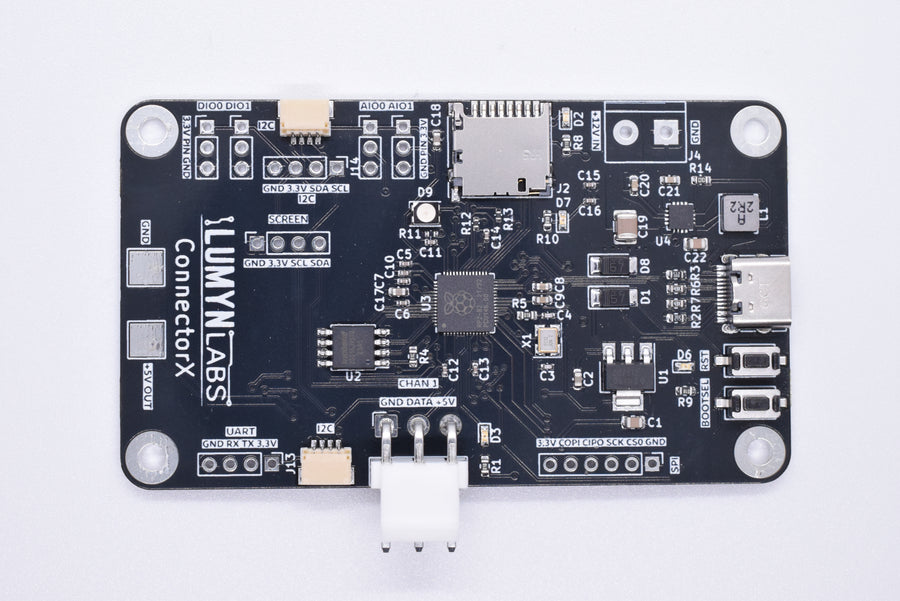
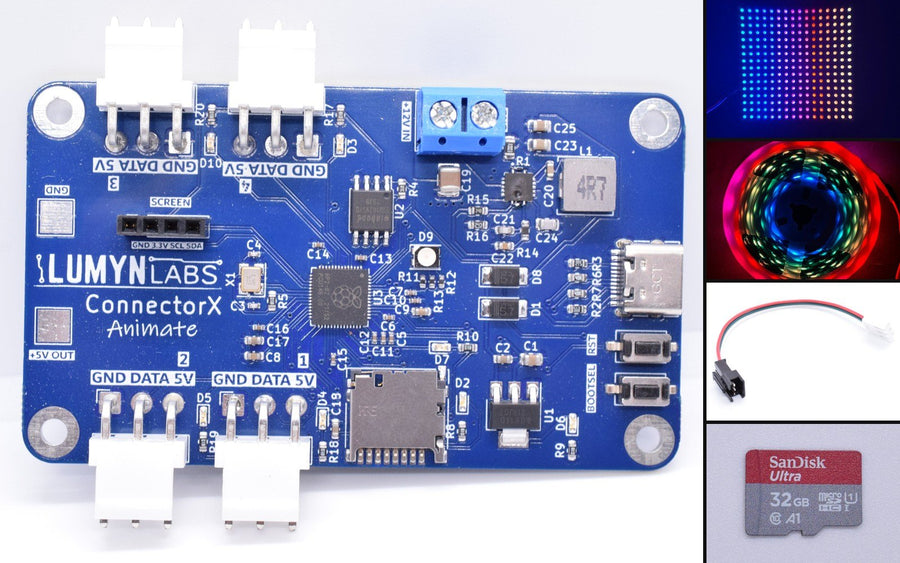
ConnectorX Animate

4LED channels1,280LEDs maximum6 A5 V regulator

ConnectorX Animate

Pick Animate for several LED runs, strips and matrices together, or when you need the most power. At full white, 6 A lights about 100 LEDs; most animations draw far less, and the board dims itself to stay under its limit.

LED channels
4
Maximum LEDs
1,280
Regulator output
6 A at 5 V
Input
12 V
Sensor interfaces
I2C
Host connection
USB

$69.99 USDView ConnectorX Animate
ConnectorX

1LED channel320LEDs maximum3 A5 V regulator

ConnectorX

Pick ConnectorX for one strip or matrix plus sensors on I2C, SPI, UART, digital and analog. At full white, 3 A lights about 50 LEDs; most animations draw far less, and the board dims itself to stay under its limit.

LED channels
1
Maximum LEDs
320
Regulator output
3 A at 5 V
Input
12 V
Sensor interfaces
I2C, SPI, UART, digital, analog
Host connection
USB, UART

$49.99 without headers, $54.99 withView ConnectorX

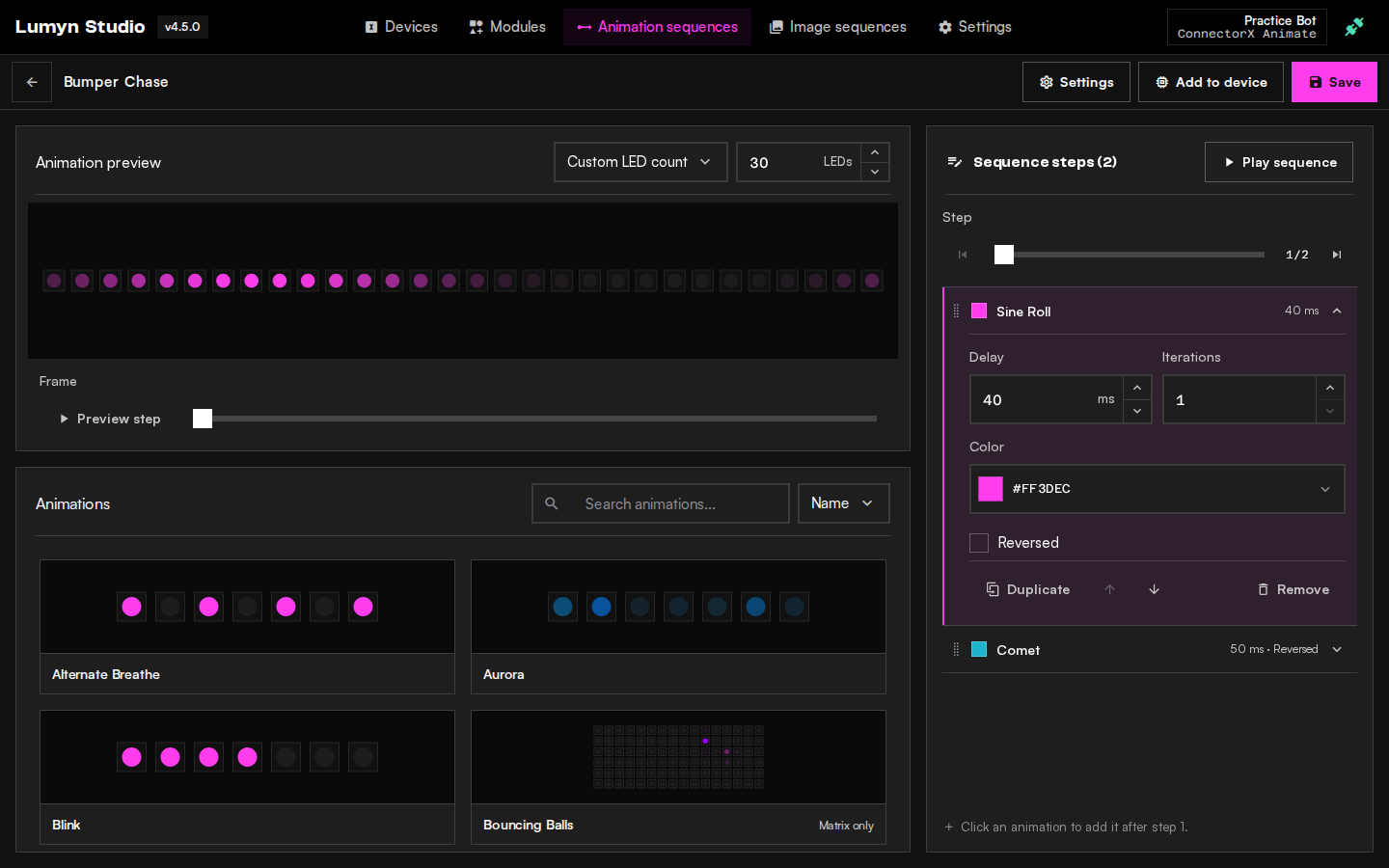
Everything is set up in Lumyn Studio.

Set up LED zones, create animations, and add supported sensors in your browser. Control them from WPILib, Python, C, or C++.

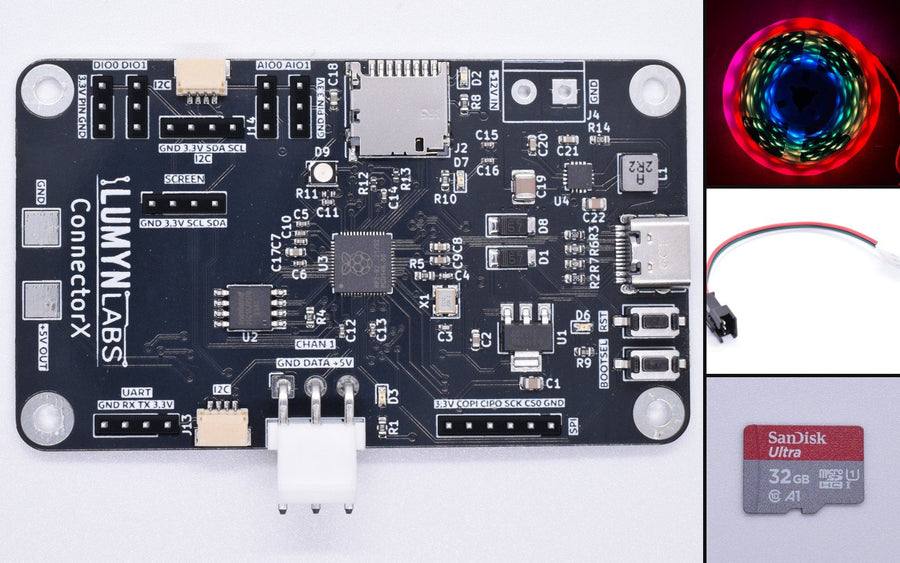
LED strip animations
An LED strip on a robot running a rainbow chase in the dark
On the strip

LED strip animations

Combine and preview flexible LED animations in Lumyn Studio before you upload them to your ConnectorX. Split a strip into zones and give each one its own animation.

Explore animation sequences
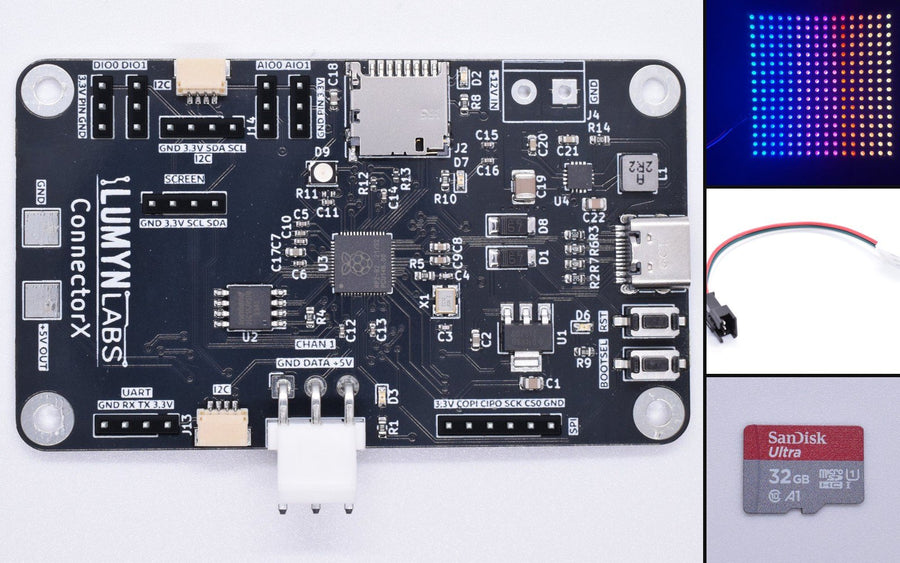
An LED matrix showing purple text
On the matrix

LED matrix text, images and GIFs

Use the Motion Editor in Lumyn Studio for layers, keyframes, vector shapes and GIF import. Preview at your matrix resolution before you send sequences to the device.

Explore image sequences
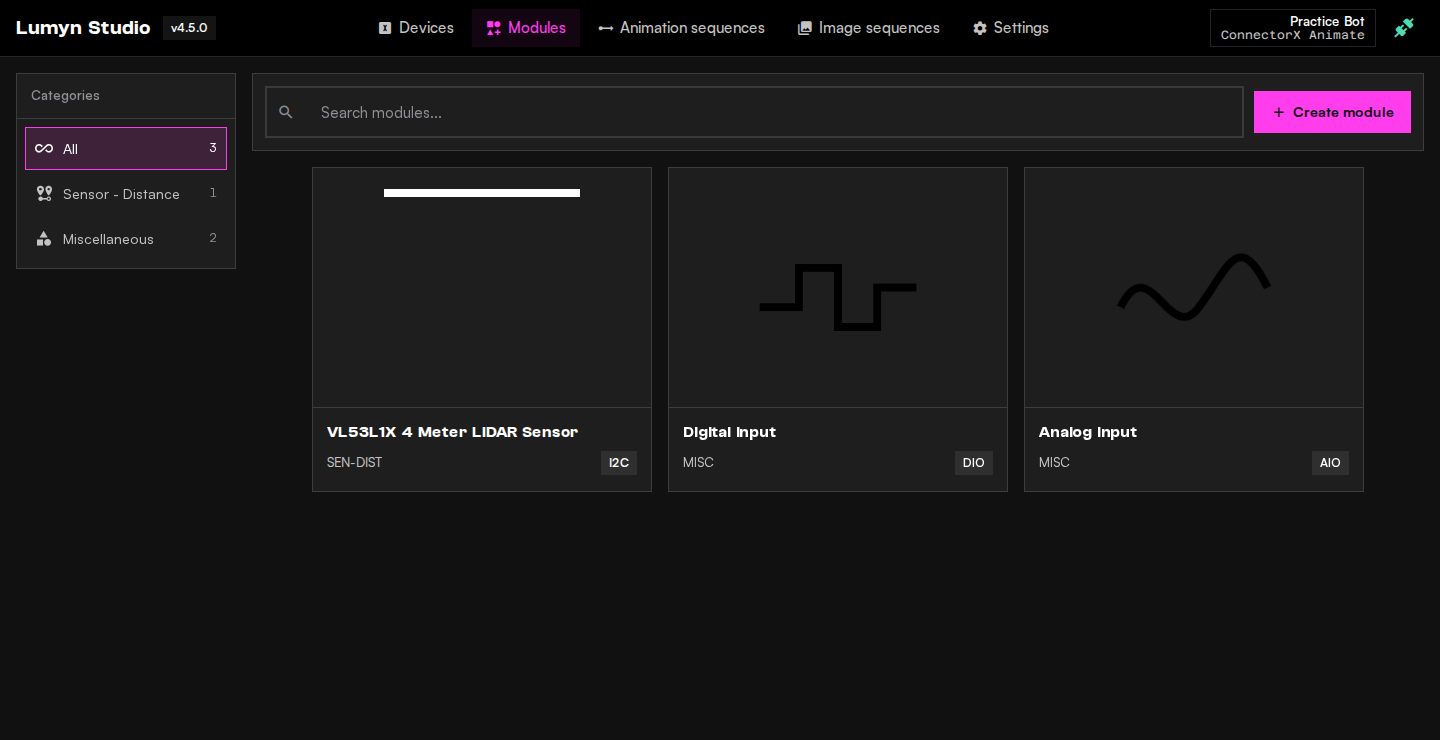
Do more with modules
Close-up of the ConnectorX board and its module ports
On the board

Do more with modules

Add sensor and I/O expansion with Lumyn Labs Modules, configured in Lumyn Studio and read from robot code through the WPILib vendordep. ConnectorX supports I2C, SPI, UART, DIO and analog. ConnectorX Animate supports up to two I2C modules. Use pre-built modules or contribute custom firmware back to the community.

Explore modules

How Lumyn compares.

Our two boards next to two other FRC LED controllers and the SystemCore. We left the other makers' names off. Check their documentation for current figures.

  • Set up in a browser.Configure and animate in Lumyn Studio. Neither competitor nor SystemCore has a browser configurator.
  • Four outputs.ConnectorX Animate drives four LED runs and up to 1,280 LEDs. The two competitors list no figure.
  • Takes sensors.Both of our boards take sensors. Neither competitor supports sensors.
  • Plays on its own.Animations and GIFs run from the board. Neither competitor lists onboard playback, and SystemCore can't play animations on its own.
Lumyn controllers compared with two competitors and SystemCore
FeatureConnectorX AnimateConnectorXCompetitor GreenCompetitor OrangeSystemCore
Browser configurator and animation editorYesYesNoNoNo
Onboard animation and GIF playbackYesYes——No
Sensor supportYesYesNoNo—
Custom firmwareYesYesNoYes—
Independent LED outputs4 (best in row)1——Multiple
Maximum addressable LEDs1,280 (best in row)320——1,024 shared
Max power at 5 V6 A (best in row)3 A6 A (best in row)5 ANo
Strip voltage (see note)5 V5 V5 V and 12 V (best in row)5 V and 12 V (best in row)—
External 5 V outYesYesYes†—
CAN busn/an/a2.0 and FD (best in row)No—
WPILib LEDPatternDirectLEDDirectLED——Native (best in row)
  1. Strip voltage is the voltage of the LEDs a product drives. Our boards take a 12 V supply in and drive 5 V strips. A 12 V strip needs a product that outputs 12 V.

✓ yes · ✕ no · — no documented figure · n/a not applicable · † powers LED strips only · Capabilities depend on firmware and configuration.

Questions.

How it works, what you need, and what it does for a robot team.

How do sensors work?

Pick a supported sensor in Lumyn Studio and its settings are filled in for you. Wire it to the board and read its data from robot code.

Can I make my own animations?

Designing animations is hard, and making them run without blocking the board’s other work is harder. With ConnectorX you use our premade animations on their own or in an animation sequence. You can also extend our firmware to add custom animations.

Can it drive an LED matrix?

Yes. Import existing images or add your own in the Image Sequence editor to build videos for matrices of any shape, up to the board’s LED limit. Text commands scroll any sequence of characters across a matrix with no extra setup.

Does it work for FIRST Robotics Competition?

Yes. With our WPILib vendordep you name the zone or group, the animation, sequence or image sequence, and a color and delay. The vendordep also receives data from every connected module as it arrives, so familiar Arduino libraries work in custom firmware you can extend.

What powers the LEDs?

USB is enough to configure the controller. LED output needs a 12 V supply; the onboard regulator gives the LEDs 5 V.

Do I need to write code?

Not to configure zones or create animations in Lumyn Studio. Use the SDKs when you want a robot or application to control them.

Which browser works?

Chrome or Edge on a computer with USB and Web Serial support. You can explore most Lumyn Studio features without a device.

Will it work with my project?

Use the WPILib Java and C++ vendordep for FRC, or the standalone Python, C and C++ libraries for other hosts. ConnectorX supports USB and UART; ConnectorX Animate uses USB.

Ready to connect?

Start building with ConnectorX today. Plug it in over USB and set it up in Lumyn Studio.