
Features
Zones, DirectLED, modules, Lumyn Studio, WPILib SimGUI, and Python, C, and C++ SDKs.
Zones and sequencing
Subdivide strips and matrices into zones, chain multi-step sequences, and target groups from robot code. Up to 1280 LEDs on ConnectorX Animate.
DirectLED
Push per-pixel buffers to strips and matrices from Python, C, C++, or WPILib without custom firmware.
Modules and I/O
ConnectorX: I2C, SPI, UART, DIO, and analog. ConnectorX Animate: up to two I2C modules. Configure in Studio, read in robot code.
WPILib and SDKs
WPILib vendordep, custom SimGUI, and standalone Python, C, and C++ SDKs outside FRC robot code.
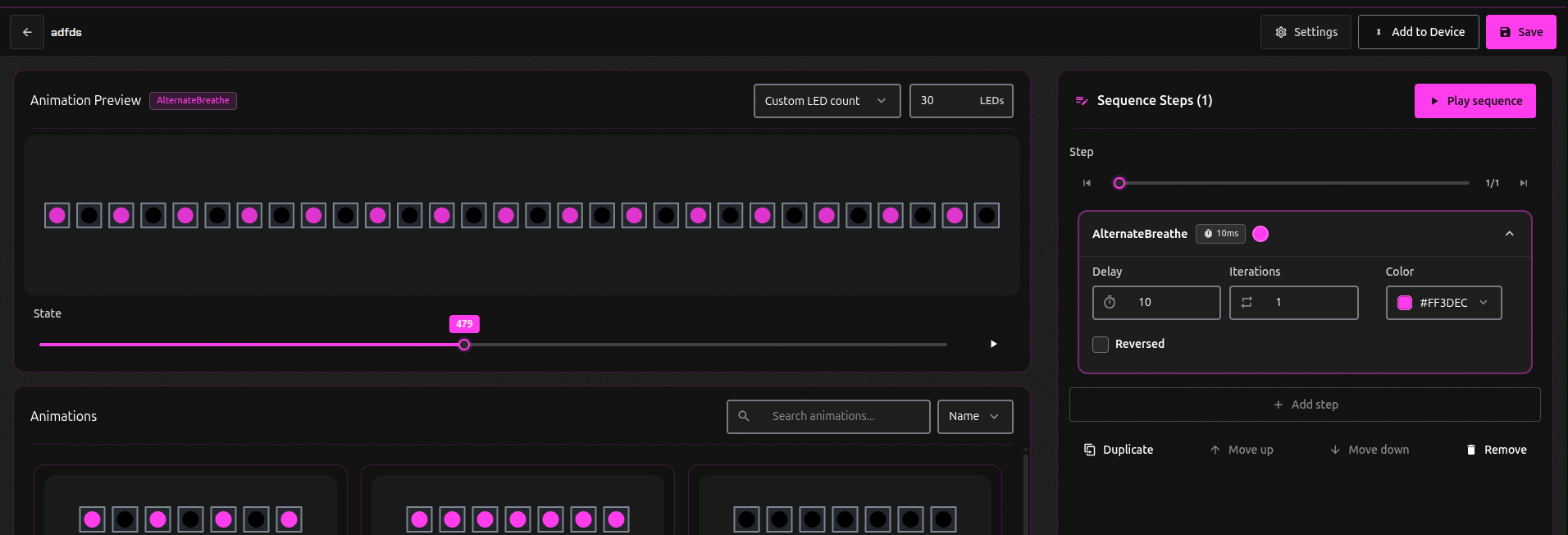
Zones and sequencing
With ConnectorX, you can divide an LED strip into smaller zones that each run their own animation at the same time. Groups tie zones together when you want them moving in sync.
Use animation sequences to build complex effects from our prebuilt animations, or extend our firmware to create custom animations of your own.
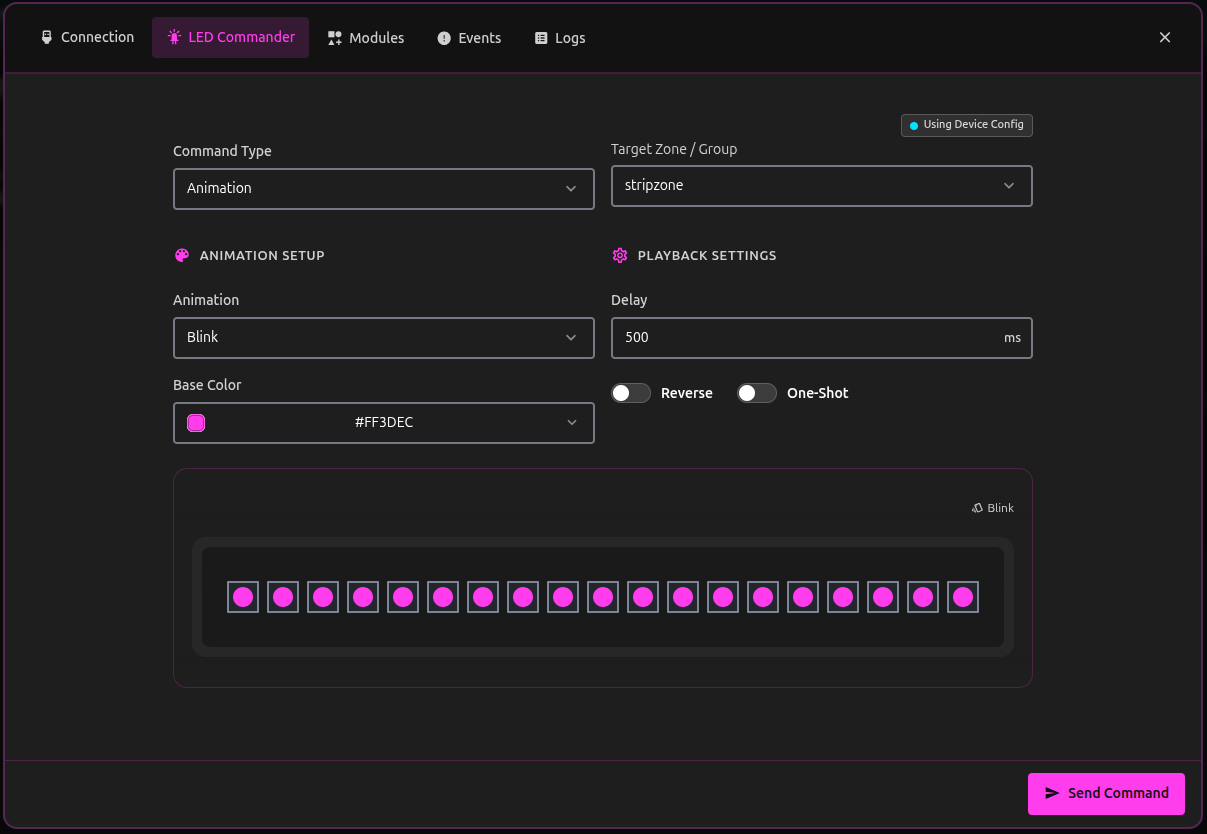
Control your device with ease
Lumyn Studio lets you control your ConnectorX from the browser: set animations, run sequences, and push commands to hardware with live previews, all without writing a line of code. Plug in, open Studio, and see your lighting come together before you ever open an IDE.
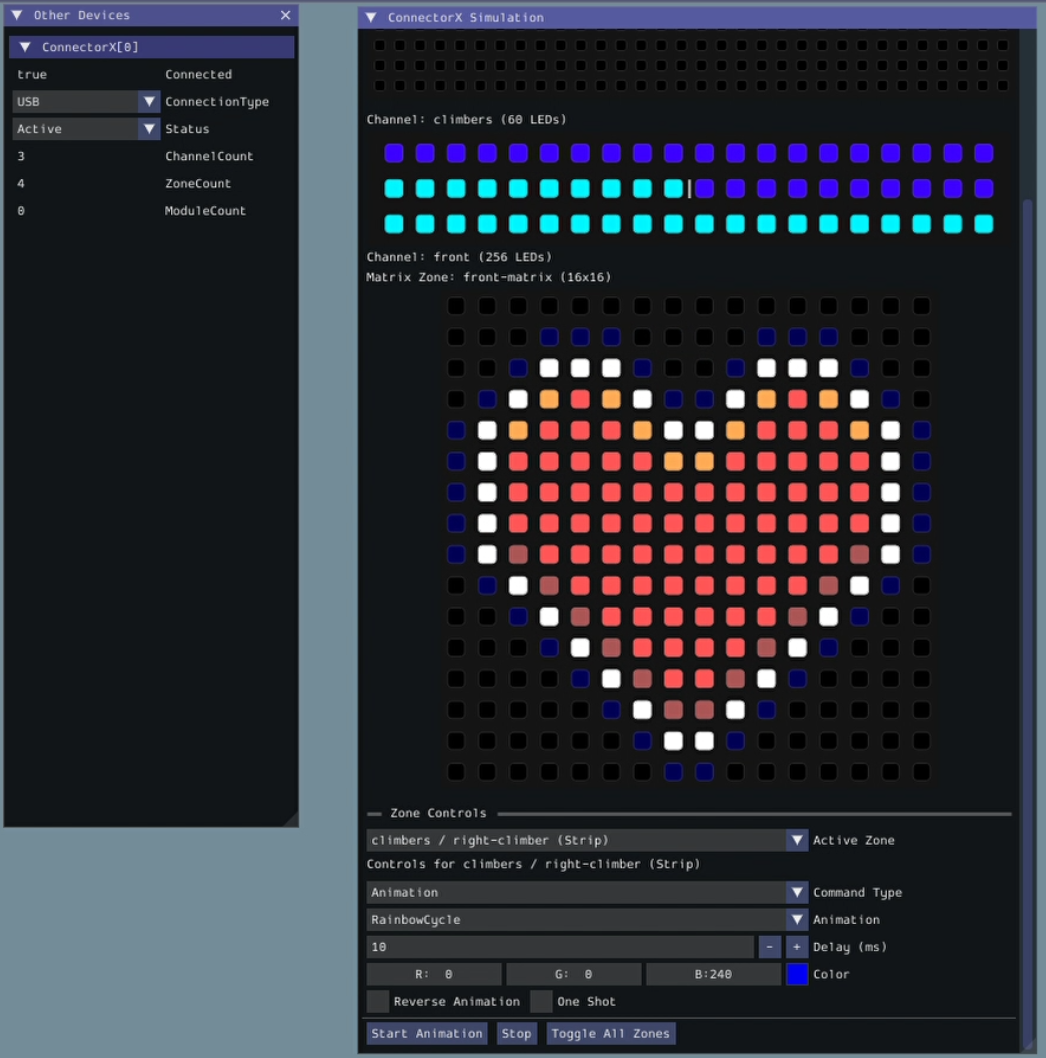
Test LEDs before you build
You should not have to wait for a fully wired robot to know your lighting and sensors work. Lumyn Labs ships a custom SimGUI inside WPILib so FRC teams can test ConnectorX LED and module integrations from a laptop while the robot is still on the table.
Simulation runs on the same core firmware logic as your hardware, so animations, sequences, and module callbacks behave the way they will on a real device. Preview zones on strips and matrices, push test data through the Modules tab, and build confidence with far higher fidelity than a simple mock.

DirectLED
DirectLED lets you push any per-pixel buffer you want to an LED strip or matrix without writing custom firmware. Send those frames from Python, C, C++, or WPILib as fast as your project needs.
Our demo shows a 16x16 matrix scrolling text, an 8x32 panel mirroring a computer screen while YouTube Shorts plays, and a strip running a prebuilt animation, all at once. The Python SDK ships with an example that streams your desktop straight to ConnectorX, so whatever you can render in software can land on hardware in real time.
cXAnimate.leds.SetAnimation(Animation.Chase)
  .ForZone("left-climber")
  .WithColor(new Color(200, 120, 15))
  .Reverse(false)
  .RunOnce(false);
WPILib vendordep
With our WPILib vendordep, the zones and animations you set up in Studio are the same ones your robot code calls. Install the Lumyn Labs library from the WPILib menu in VS Code, load your configuration, and you can test on hardware or in simulation.
Java and C++ both have the full API. The library is straightforward to learn, and we tuned it to run fast on the roboRIO.
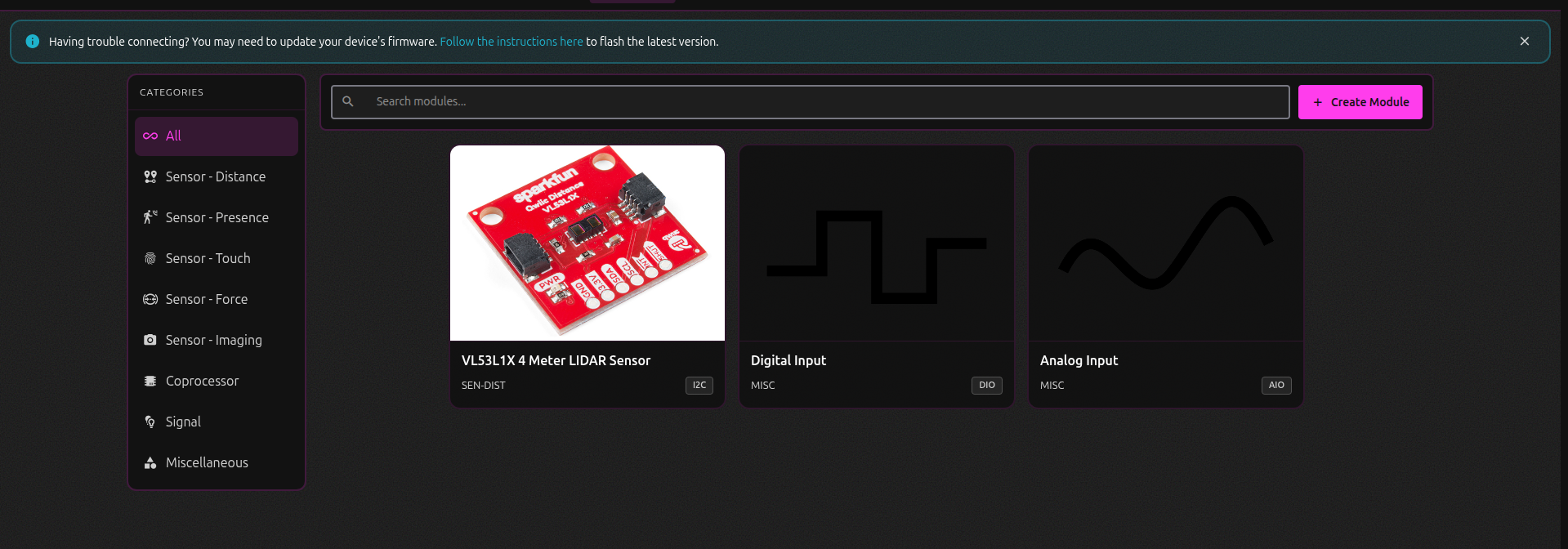
Python, C, and C++ SDKs
ConnectorX is not only for match day. With our standalone SDKs, you can take the zones and animations you set up in Studio and run them from a laptop, Raspberry Pi, or custom project over USB or UART, no roboRIO required.
Grab the Python SDK from PyPI for fast iteration on a desktop or Pi. When you are ready for a native build, C and C++ ship as drop-in releases for Windows, Linux, and macOS, with embedded Linux support for projects that need more performance and less runtime overhead.