ConnectorX

Regular price $54.99 USD
Regular price Sale price $54.99 USD
Sale Sold out

SKU 00001

Headers
Image 1 of 15
ConnectorX

Overview

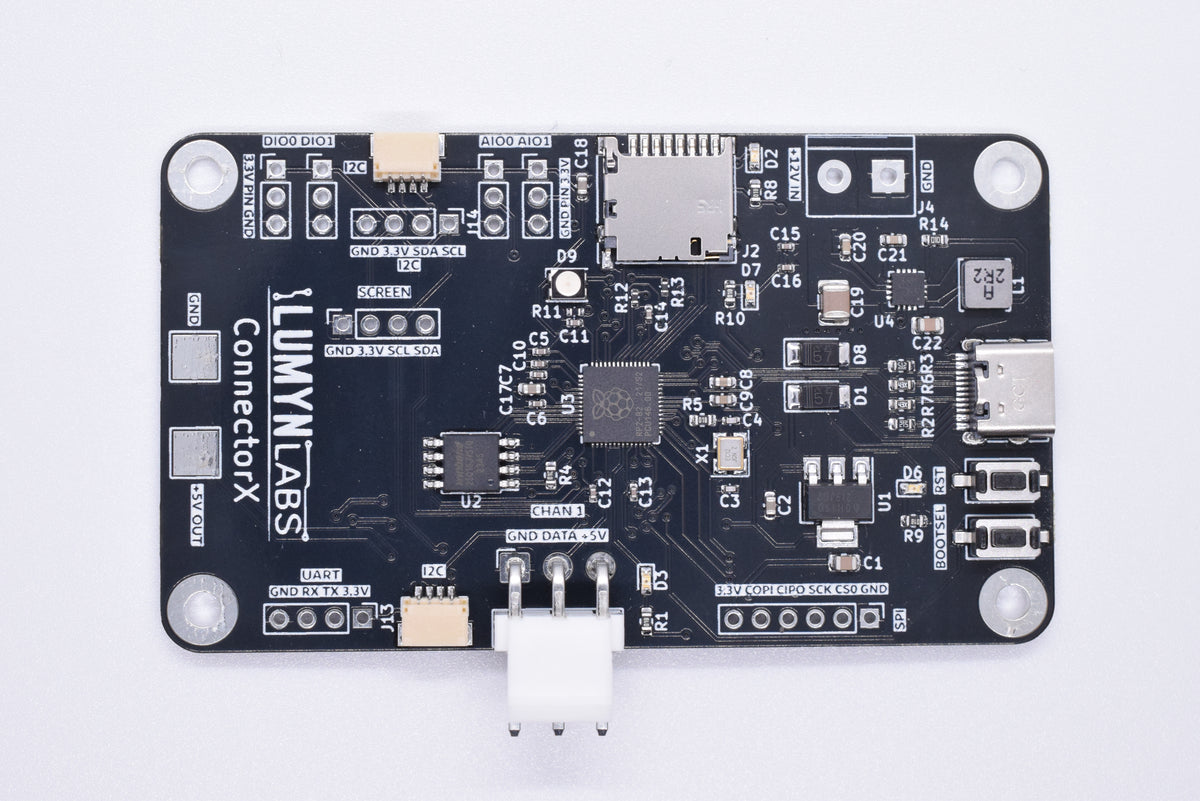
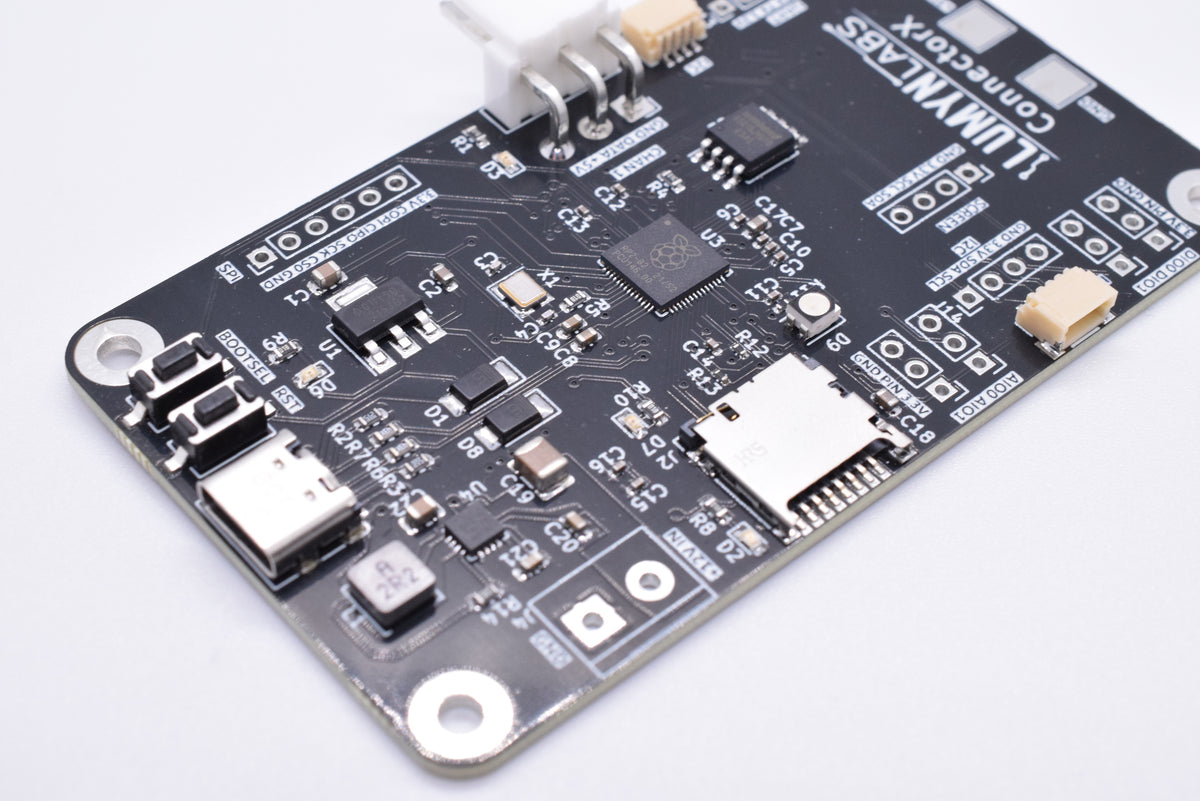
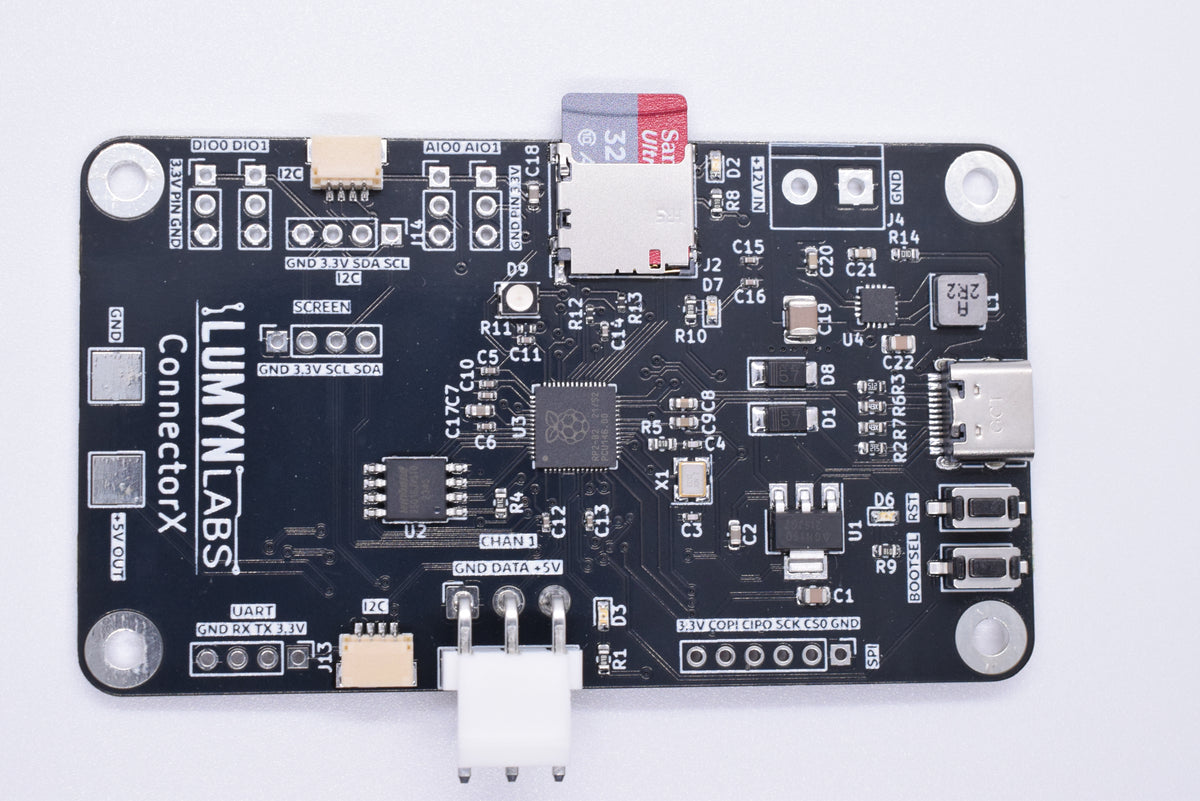
Connect Anything with ConnectorX! Engineered with the First Robotics Competition (FRC) in-mind, ConnectorX brings together advanced LED control, flexible sensor integration, and robust power management in a single, easy-to-use breakout board.

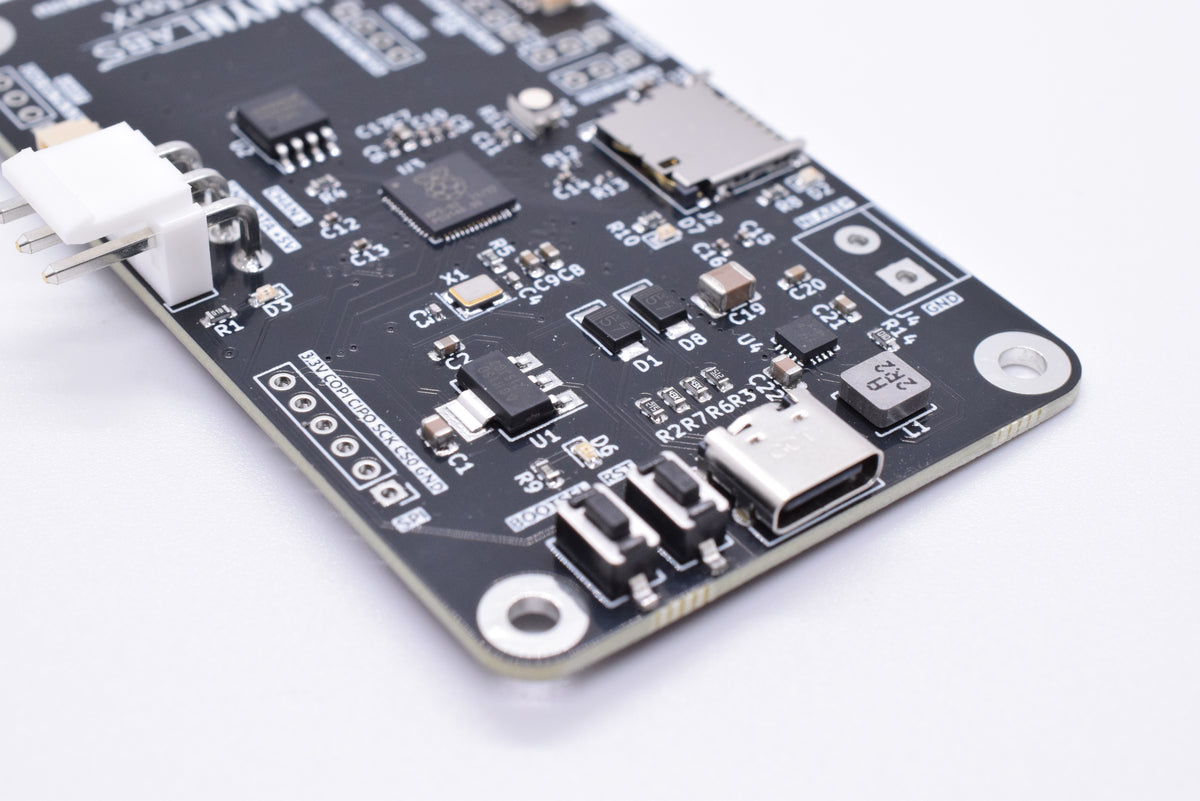
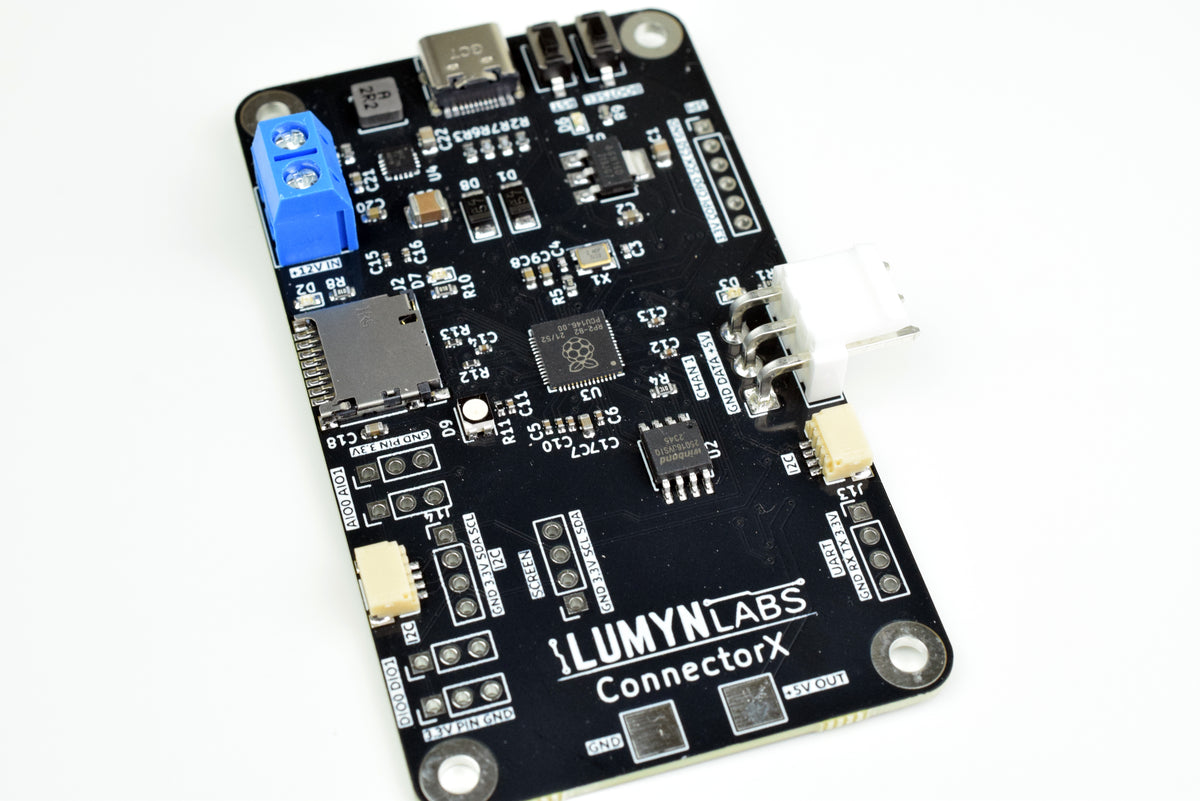
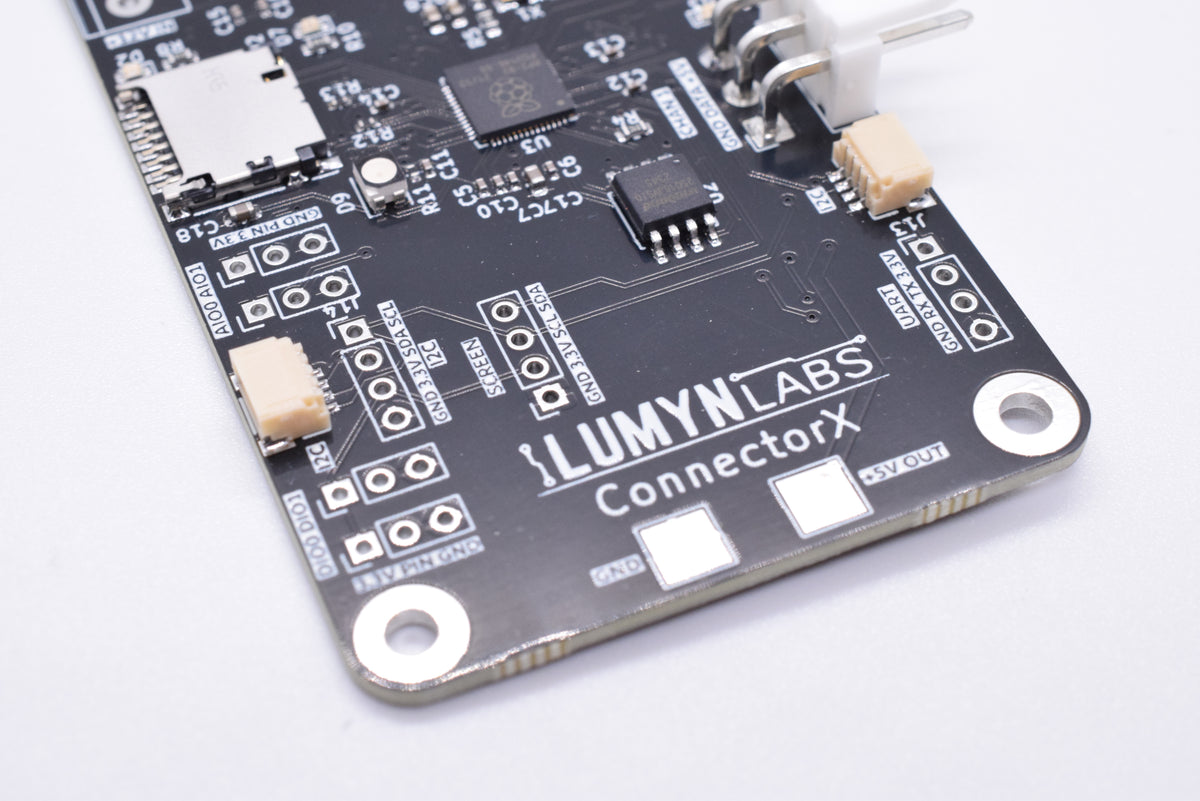
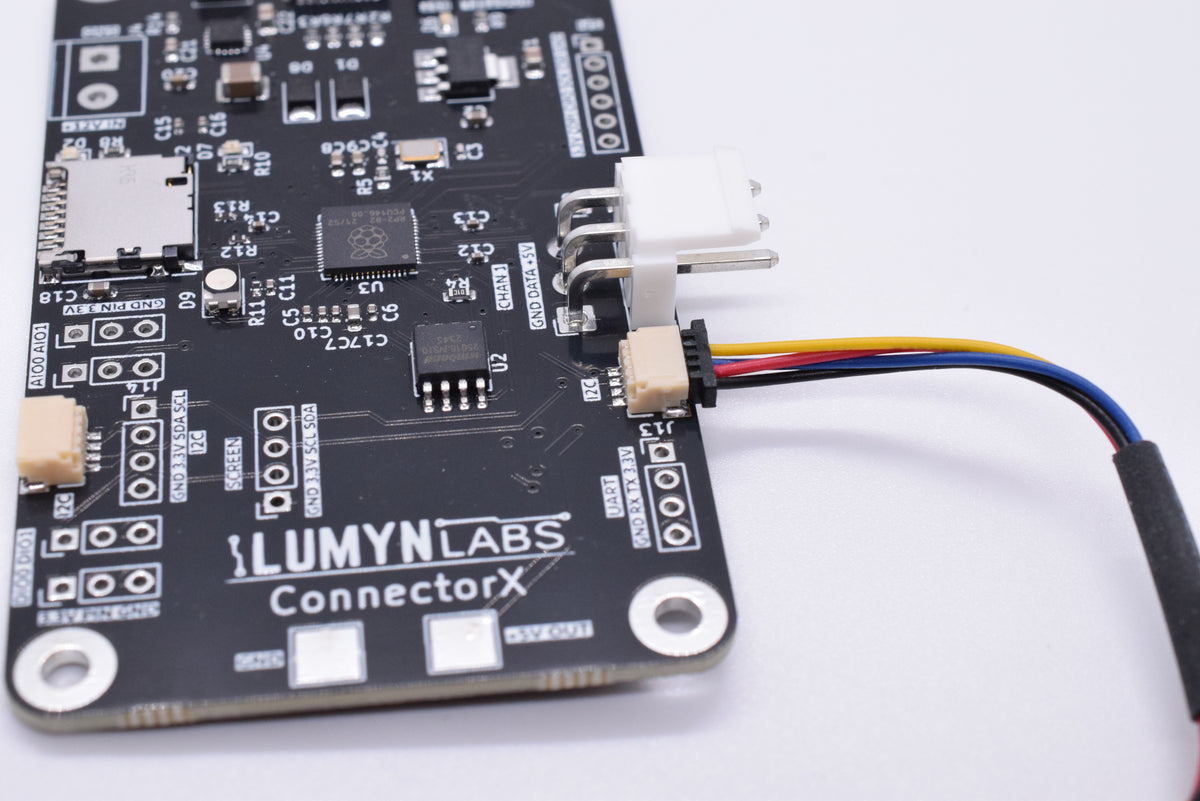
  • 2x QWIIC/STEMMA QT (JST-SH 1mm pitch) I2C headers
  • 1x I2C 0.1" header
  • 1x UART 0.1" header
  • 1x SPI 0.1" header
  • 2x Digital in/out headers
  • 2x Analog in/out headers
  • 1 LED channel
  • 6-16V input to 5V @3A output
  • SD card slot
  • Screen connector

One board for LEDs and I/O

WS2812B plus module buses

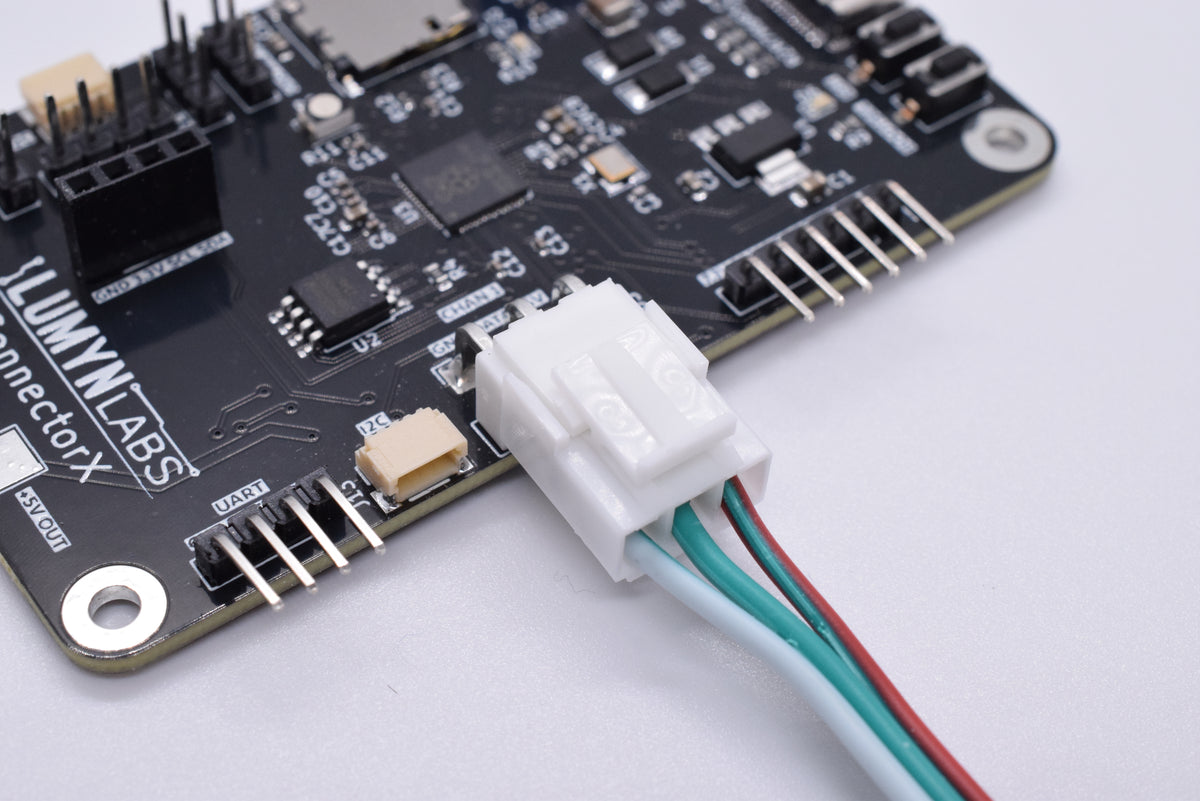
One LED channel for up to 320 WS2812B LEDs, with I2C, SPI, UART, DIO, and analog for distance sensors, limit switches, and custom peripherals.

USB or UART host connection

Connect over USB for Lumyn Studio and SDKs, or use UART with a configurable baud rate when your project needs serial.

Lumyn Studio setup

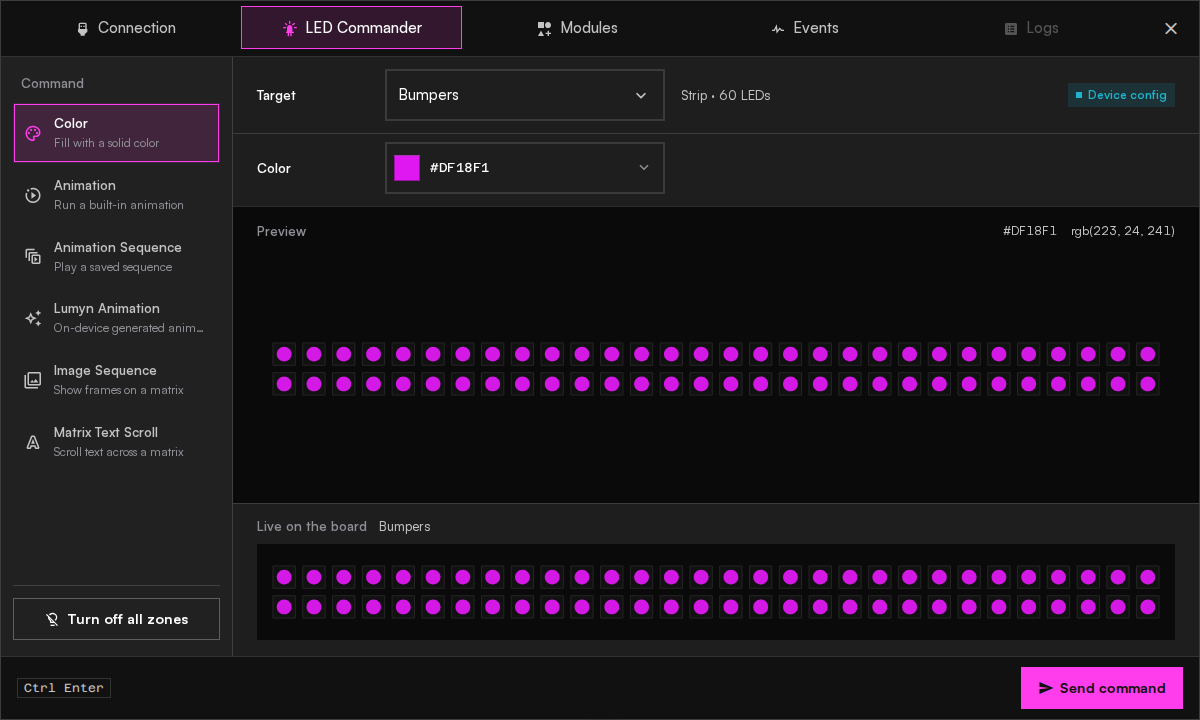
Configure zones, modules, and animation sequences in the browser. Use LED Commander to test your strip or matrix animations before calling the API from your project.

26 firmware animations

Chase, Fire, Plasma, Confetti, and 22 more animations make it easy to add lighting effects without writing any code. Chain steps into sequences, then call them by zone name from the API.

WPILib vendordep

Install the Lumyn Labs vendordep from the WPILib menu in VS Code. Load your Studio configuration, register modules, and drive LEDs with the same zone IDs you defined in Studio.

DirectLED and custom firmware

Push per-pixel buffers from the API when prebuilt animations are not enough. ConnectorX also supports a custom firmware path for teams that want to own the animation stack.

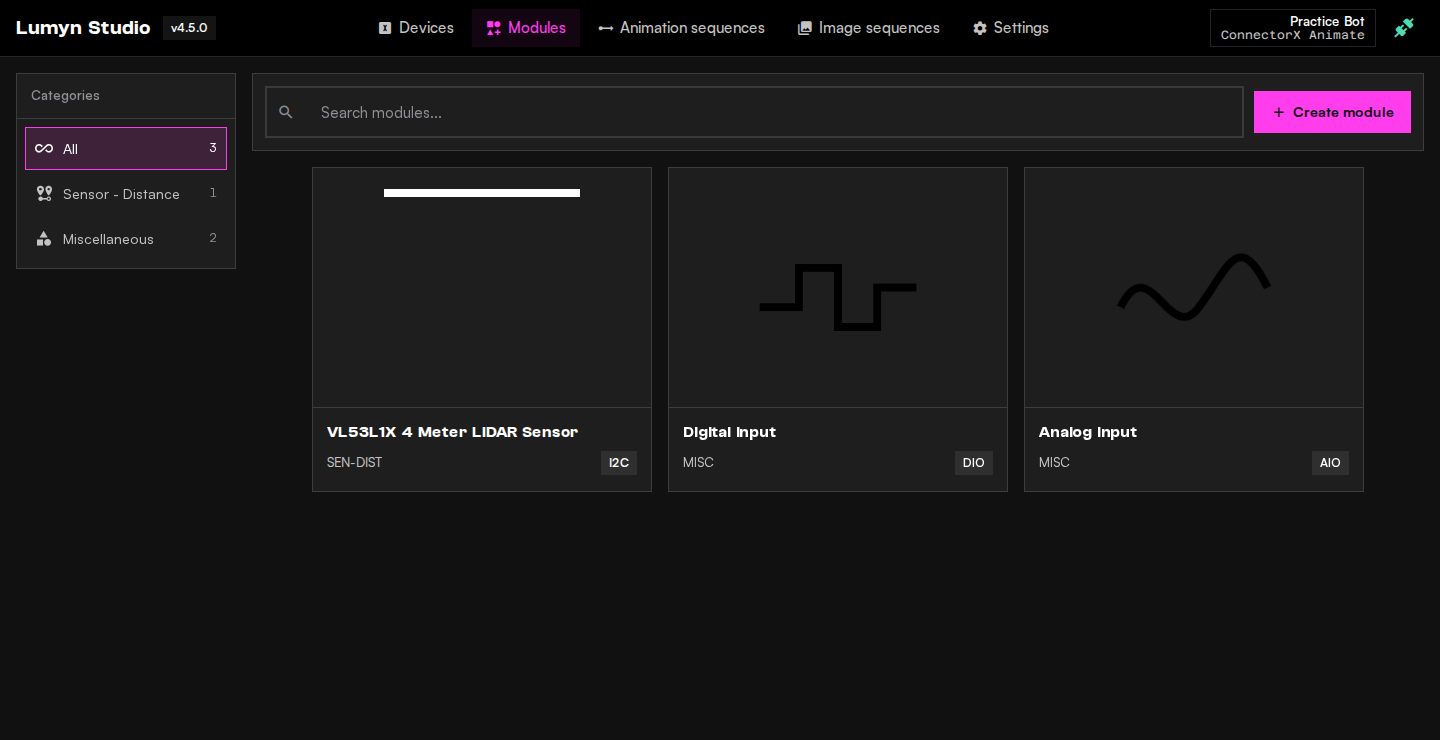
Modules on the same controller

Modules on the same controller

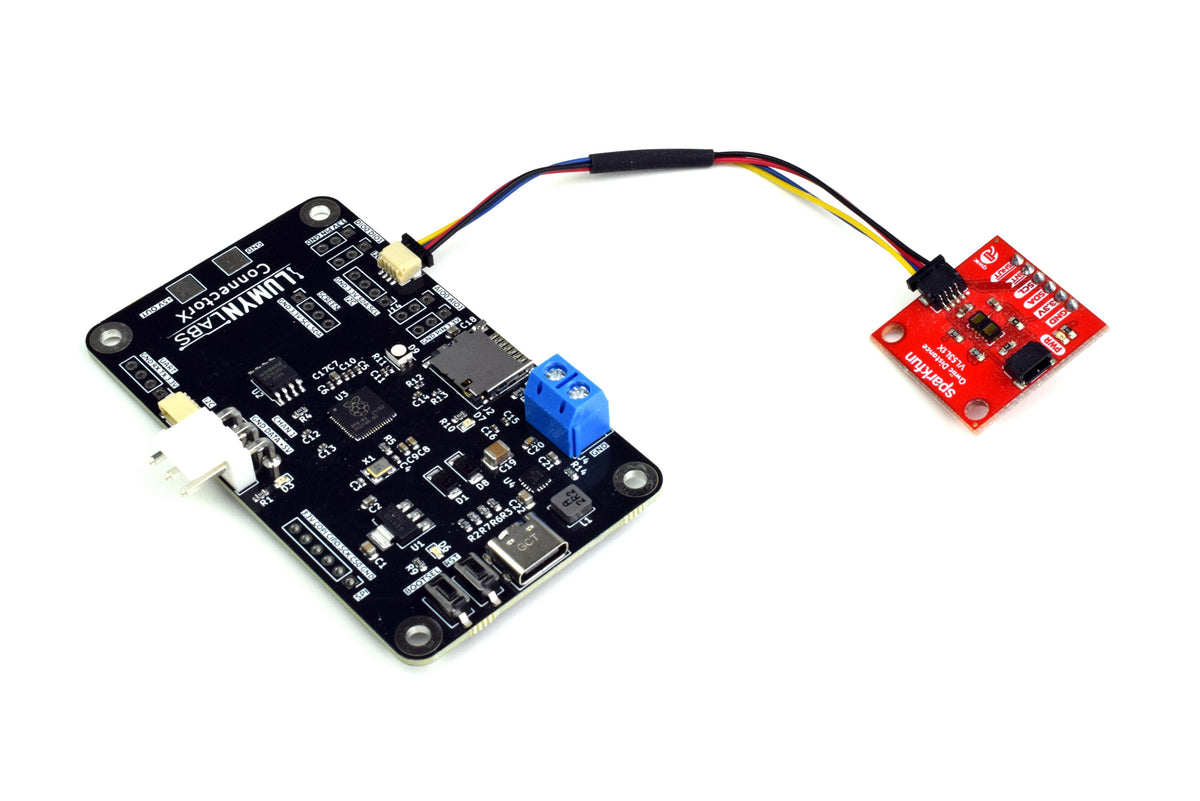
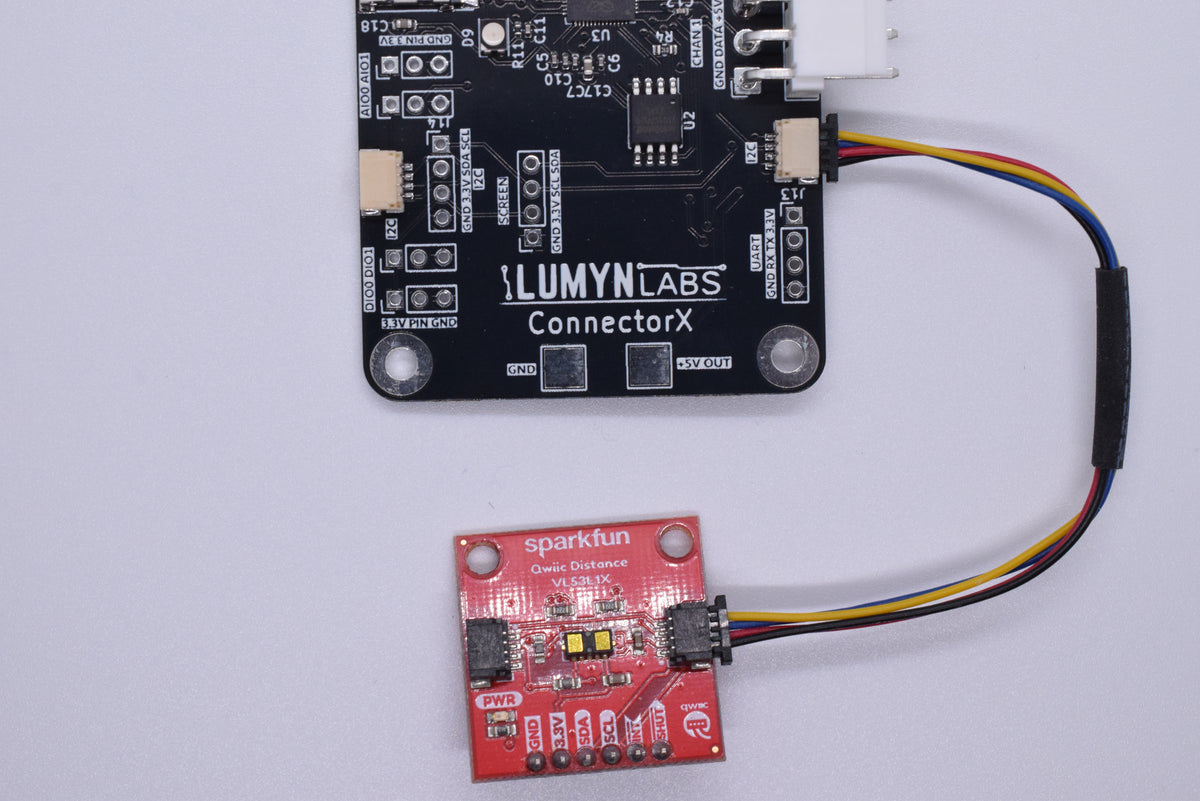
Register modules in Studio with IDs that match your API calls. Built-in support includes VL53L1X time-of-flight distance, digital inputs, and analog inputs. SPI and UART buses are available for custom peripherals.

Module callbacks and LED commands use the same configuration file from Studio.

See all features
Studio before code

Studio before code

Connect power and USB, open Lumyn Studio, and read the live device configuration. LED Commander fills in command types from that config so you can test strip and matrix animations before calling the API from your project.

Explore Lumyn Studio

Specifications

  • LED channels 1 channel
  • Max LEDs 320 per channel
  • Regulator output 3,000 mA (5 V to LEDs)
  • LED protocol WS2812B addressable
  • Module buses I2C, SPI, UART, DIO, and analog
  • Host connection USB and UART
  • Configuration storage microSD (FAT32)
  • Configurator Lumyn Studio (Chrome or Edge)
  • API WPILib Java and C++ vendordep; Python, C, and C++ SDKs for off-robot hosts

Common questions

ConnectorX or Animate?

Choose ConnectorX when you need one LED channel plus module buses for sensors and custom peripherals. Choose ConnectorX Animate when the project needs four LED channels or a larger LED count.

Power

USB-C is enough for Lumyn Studio setup. For LED output, supply 12 V to the board. The onboard regulator supplies 5 V to connected WS2812B hardware.

microSD card

A FAT32 microSD card is required. ConnectorX reads config.json from the card at boot, so the board will not boot without one. Use Lumyn Studio to export the configuration, then copy it to the card root.

Modules

Built-in firmware support includes VL53L1X distance sensors over I2C, digital inputs, and analog inputs. SPI and UART are available for custom module work. Register modules in Studio with IDs that match your API calls.