

What's New in 2026
A ground-up software rewrite, SimGUI tooling, a modern builder API, and new firmware with 13 new animations.
SimGUI
Run the real ConnectorX firmware in sim and iterate faster with live visualization and tooling.
Builder API
Fluent LED commands, clearer intent, fewer parameter lists, and safer resource handling.
Studio Upgrades
Config sync, direct uploads, and previews that match your real channels, zones, and matrices.
New Firmware
More stable, faster, and packed with 13 new animations (Fire, Plasma, Confetti, and more).
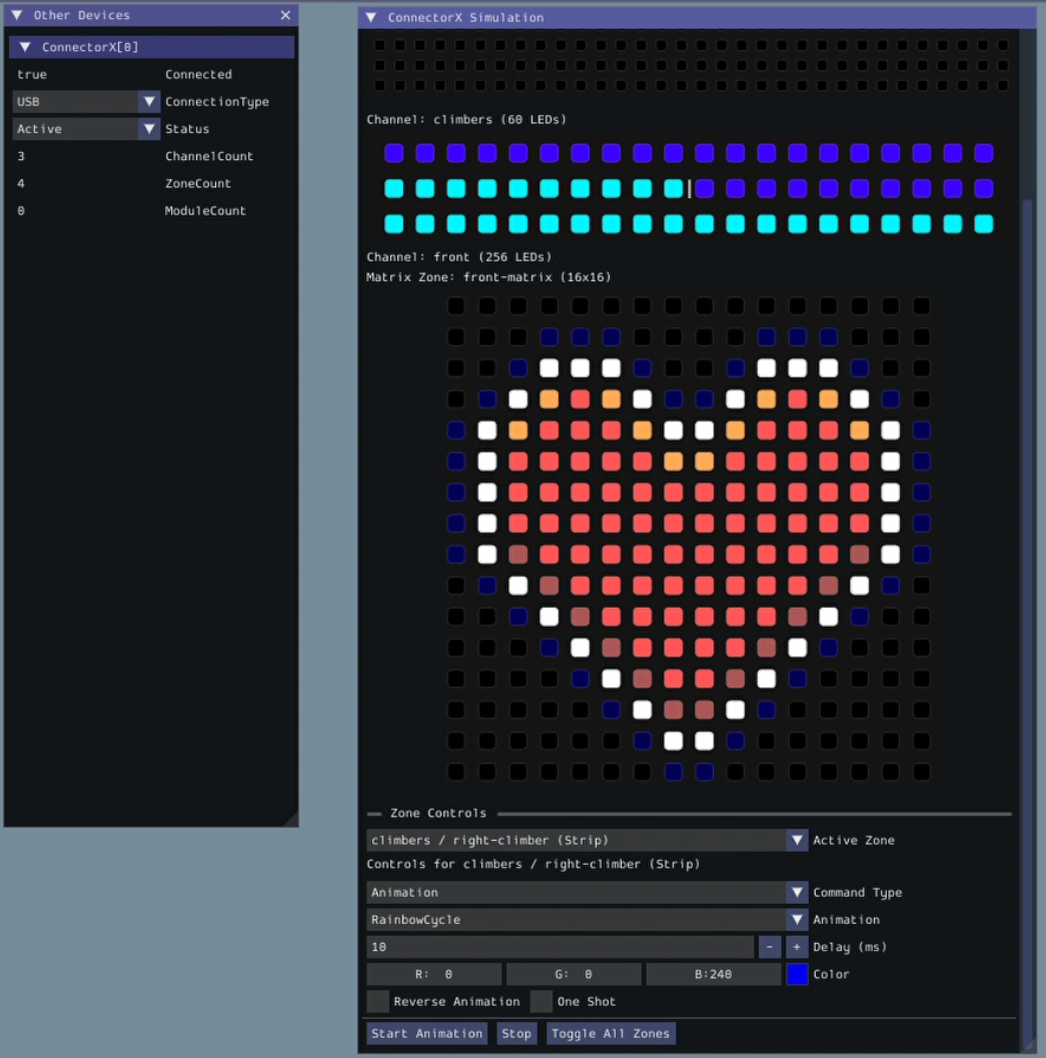
The First-Ever Vendor SimGUI
We are the first FRC vendor to offer a custom GUI inside WPILib’s SimGUI.
- LEDs Tab: Real-time visualization of strips and matrices with animation playback.
- Modules Tab: Interactive data injection and payload testing.
- Device Tab: Simulate connection status and inject events.
- Full support for loading and rendering image sequences from the deploy directory.
cXAnimate.leds.SetAnimation(Animation.Chase)
  .ForZone("left-climber")
  .WithColor(new Color(200, 120, 15))
  .Reverse(false)
  .RunOnce(false);
Vendordep for 2026
We’ve introduced a fluent builder API for LED control, making your code more readable and easier to write. The old parameter-heavy API is now deprecated.
- ConfigBuilder: A fluent API to build device configurations in code.
- Event Handling: C++ now supports callback-based event handlers via AddEventHandler(), matching Java semantics.
- WPILib Alerts: Integrated WPILib Alerts for automatic error reporting to Driver Station.
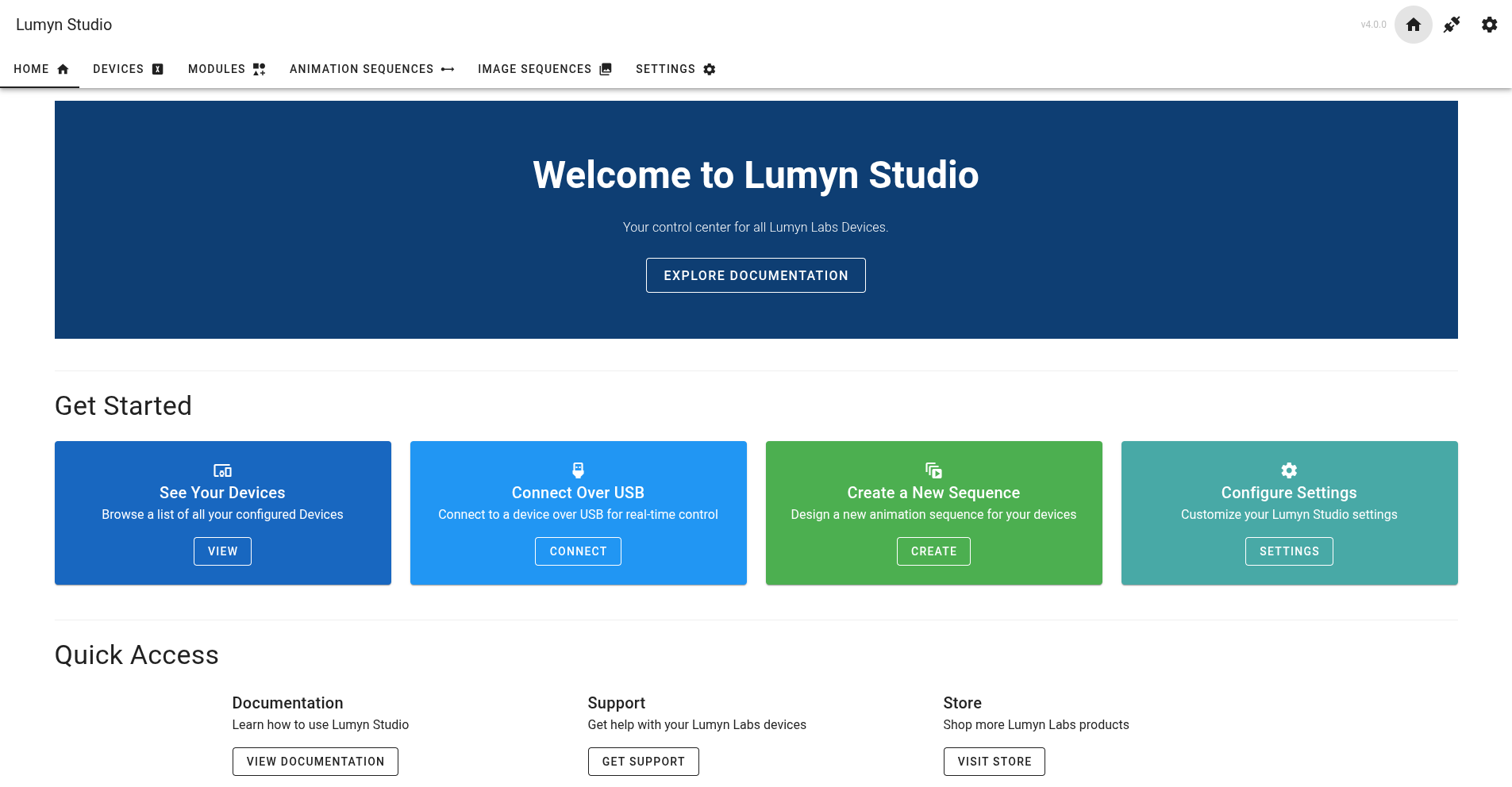
A Smarter Lumyn Studio
Studio runs in your browser and uses the Web Serial API (Chrome/Edge) to connect to devices. 2026 focuses on faster setup and fewer “where did my config go?” moments.
- Configuration sync: Connect a device and Studio automatically reads the config, then helps you resolve conflicts.
- Direct config uploads: Push your JSON to the device from Studio without file transfers.
- LED Commander: Options are populated from your real channels and zones, with a live preview.
- UART configuration: Configure UART connection mode directly in the Configuration Overview tab.
- And more! SD card swap detection, firmware update prompts, and stability improvements throughout the app.
New Firmware, New Animations
Our 2026 firmware is built for stability and performance. It adds 13 new animations so your robot can communicate state with style, plus UART connection support.
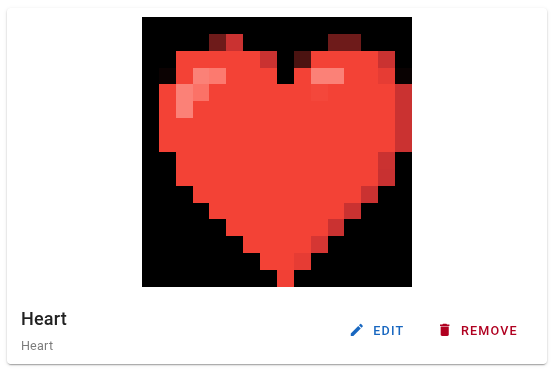
Studio also previews image sequences at the resolution of the matrix they will display on, so you can iterate without guessing.